

Zush
Rename and sort files by what they contain
At a glance
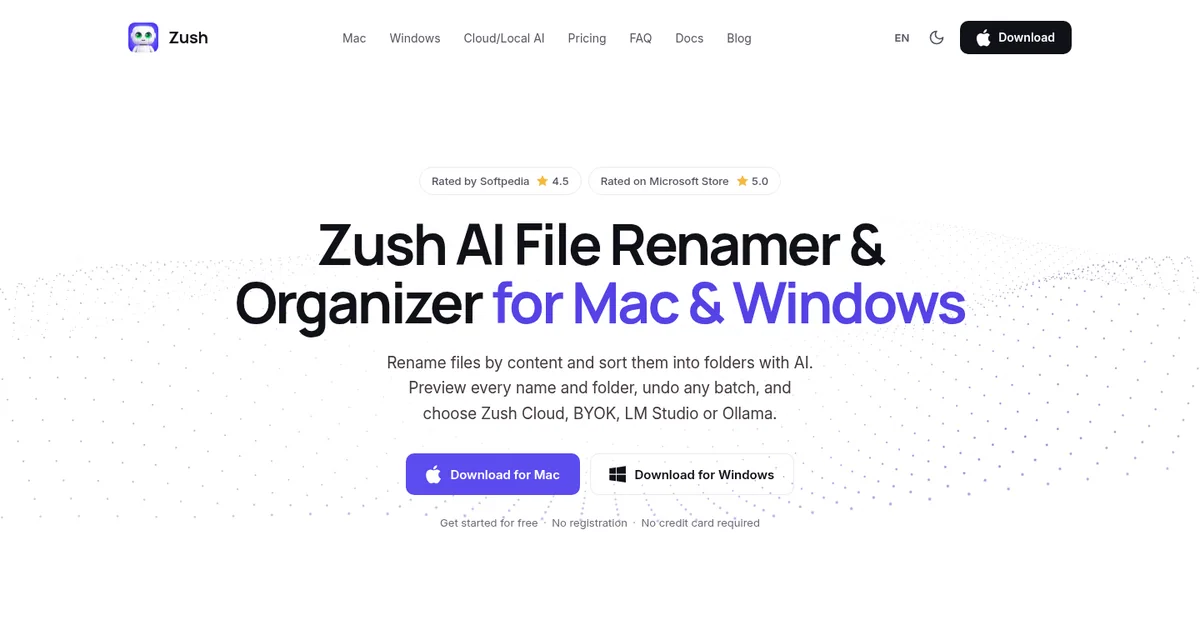
Zush is an AI file renamer and organizer for Mac and Windows that names files by their content.
- 50 renamesfree, no card
- 10 USD/moPRO, unlimited
- 107file extensions
- Original files stay on your device, and only analysis content goes to AI
- Runs AI locally with LM Studio or Ollama, without cloud processing
- Lets you undo any rename batch from the activity history
Works with iCloud DriveGoogle DriveDropboxOneDriveBox
- Pricing
- Freemium
- Platforms
- macOS, Windows
- Category
- AI Productivity Tools
- Website
- zushapp.com
- Last checked
What it does
Zush is an AI file renamer for Mac and Windows. It reads the content and metadata of PDFs, photos, documents, audio and video, then suggests descriptive names for whole batches of files. You set the naming rules, so a scan called scan_001.pdf can become Acme_Invoice_1042.pdf.
Zush can also sort files into folders with AI and find exact duplicates by comparing their contents. Copies are never sent to AI, so they use no credits.
How it works
- Add documents, photos, video or audio files to a batch.
- Build each name from naming blocks, such as vendor, type and number.
- Preview the proposed names and moves, then apply them. The activity history can undo a batch.
Zush supports 107 file extensions, including PDF, DOCX, XLSX, HEIC, PSD and MP4. Saved templates and folder monitoring handle repeat work, and you review each batch before it is applied.
Where the AI runs
You choose the AI mode. Zush Cloud AI sends only the content needed for analysis. Bring Your Own Key uses a Gemini, OpenRouter, OpenAI or Claude key that you supply. LM Studio and Ollama keep the analysis on your computer, and they work offline once set up. Every mode counts toward the same 50 free renames, and PRO removes that limit.
Who it's for
Accountants, HR teams, lawyers, photographers and others who manage many files
Typical uses
- Give scanned invoices and receipts names that show vendor and number
- Sort a folder of client documents into named project folders
- Clean up duplicate downloads and copies of the same file
Features
- Suggests descriptive names from the content of PDFs, photos and media
- Builds names from reusable naming blocks and saved templates
- Sorts files into folders with AI, with a preview before anything moves
- Finds exact duplicate files by content and can move copies to the Trash
- Watches chosen folders and processes new files automatically
- Undoes a batch of renames from the activity history
Pricing
Freemium
The free plan includes 50 AI renames. PRO costs 10 USD a month or 48 USD once for lifetime access, and both remove the rename limit.
Limitations
- Cloud AI renames run through Zush's relay, under the standard terms of the AI provider.
- Local AI needs LM Studio or Ollama installed on your computer, plus a compatible model.
- The free plan covers 50 AI renames across all AI modes, including the local ones.
- Files that only look alike, such as two scans of one page, are not treated as duplicates.
FAQ
Is Zush free to use?
Yes. The free plan includes 50 AI renames with no credit card. PRO removes the limit for 10 USD a month or 48 USD once.
Does Zush upload my files?
Your original files stay on your device. Cloud AI sends only the content needed for analysis, and the local AI modes keep analysis on your computer.
Can Zush rename files offline?
Yes. LM Studio and Ollama work offline after you set up a compatible local model.
Which operating systems does Zush support?
macOS 15.0 or later and Windows 10 or 11. The Mac app comes from the Mac App Store, Homebrew or a signed DMG, and the Windows app from the Microsoft Store.