

Wryte
A Mac app for writing whole books
At a glance
Wryte is a Mac app for writing novels, short stories, non-fiction, theses and screenplays, with no AI features.
- 29.99 USDone-time price, Mac
- 14 daysfree trial, App Store
- No AIfeatures in the app
- Keeps the manuscript on your Mac, with no AI features
- Turns one manuscript into Word, PDF, EPUB and draft files
- Sends tracked changes to an editor from a saved checkpoint
- Shows scenes as index cards, an outline and a focus view
Works with Microsoft WordEPUB e-readersMac App Store
- Pricing
- Paid
- Platforms
- macOS, iOS
- Category
- Productivity Tools
- Website
- wryte.net
- Last checked
What it does
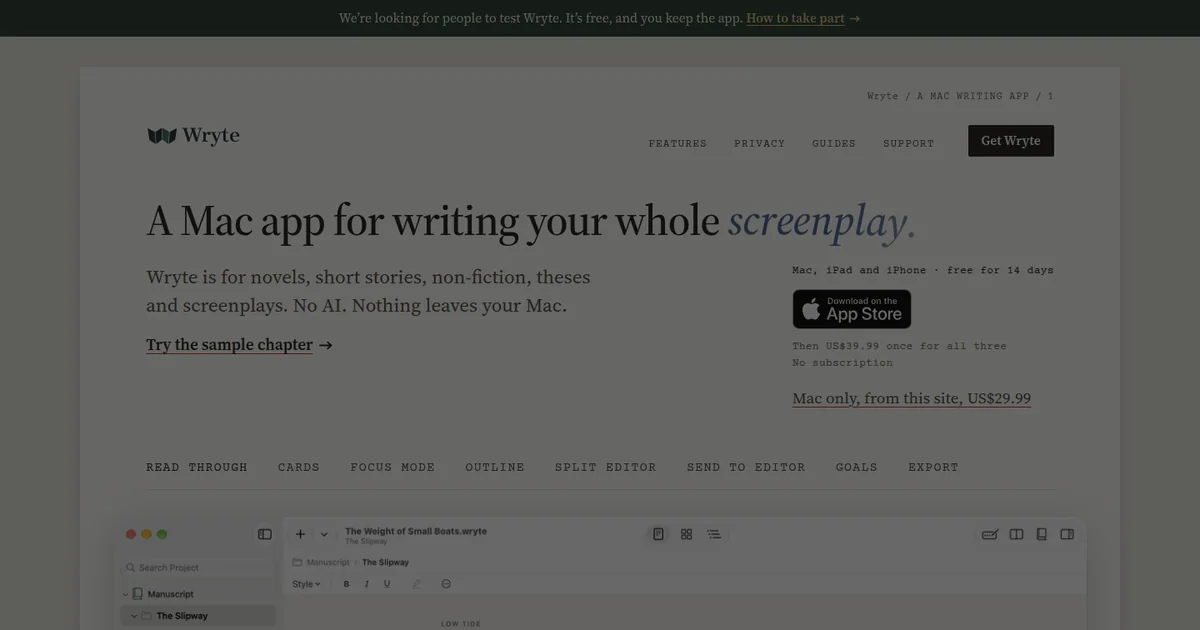
Wryte is a Mac app for long writing projects such as novels, short stories, non-fiction, theses and screenplays. It has no AI features, and nothing leaves your Mac.
Wryte offers three ways to look at a manuscript. Cards show one card per scene, with a one-line synopsis and a stamp for progress. The Outline lists chapters and scenes as a table you can edit in place, and Focus Mode hides everything except the page and today's word count.
Export and editing
Export turns the manuscript into a Word document for agents and editors, a print-ready PDF at 5 × 8, 5.5 × 8.5 or 6 × 9 inches, an EPUB ebook with your cover, or a quick PDF draft. The preview updates as you change the settings.
Before you send a draft, save a checkpoint. Send to Editor then makes a Word file with the changes since that checkpoint marked as tracked changes, so the editor can see what is new.
Good to know
Wryte costs 29.99 USD once when bought from the website, for Mac. The App Store version is free for 14 days, then costs 39.99 USD once for Mac, iPad and iPhone, with no subscription.
Who it's for
Writers of novels, short stories, non-fiction, theses and screenplays on a Mac
Typical uses
- Draft a novel scene by scene on an index-card board
- Send an agent a manuscript in standard Word format
- Give an editor a Word file that shows only the changes since a checkpoint
Features
- Writes novels, short stories, non-fiction, theses and screenplays
- Shows scenes as index cards with synopses, colour pins and status stamps
- Edits the manuscript as an outline table with word counts
- Hides everything but the page in Focus Mode, with a daily word goal
- Exports Word, print-ready PDF, EPUB and draft PDF files
- Sends a Word file with tracked changes since your last checkpoint
Pricing
Paid
Wryte costs 29.99 USD once when bought from the website for Mac. The App Store version costs 39.99 USD once for Mac, iPad and iPhone, after a 14-day free trial, with no subscription.
Limitations
- The website version works on Mac only
- Wryte has no AI features
- Print PDFs come in three trim sizes, 5 × 8, 5.5 × 8.5 and 6 × 9 inches
FAQ
Is Wryte free?
You can try the sample chapter for free. The App Store version is free for 14 days, and after that it costs 39.99 USD once.
Does Wryte use AI?
No. Wryte has no AI features, and nothing leaves your Mac.
Can I send a manuscript to an editor?
Yes. Send to Editor makes a Word file with the changes since your last checkpoint marked as tracked changes, so your editor can see what is new.
Which formats can Wryte export?
A Word document in standard manuscript format, a print-ready PDF at 5 × 8, 5.5 × 8.5 or 6 × 9 inches, an EPUB with your cover, and a quick PDF draft.