

Why that move
Chess lessons from your own games, in plain words
At a glance
Why that move is a chess review tool that explains every move of a chess.com or lichess game in plain language.
- 100free credits to start
- 50more every Monday
- A plain-language reason for each move, not only the best move
- Every note is tested against the board before you see it
- Starts free, with 100 credits and 50 more every Monday
- Platforms
- Web
- Category
- Education & Learning Apps
- Website
- whythatmove.com
- Last checked
What it does
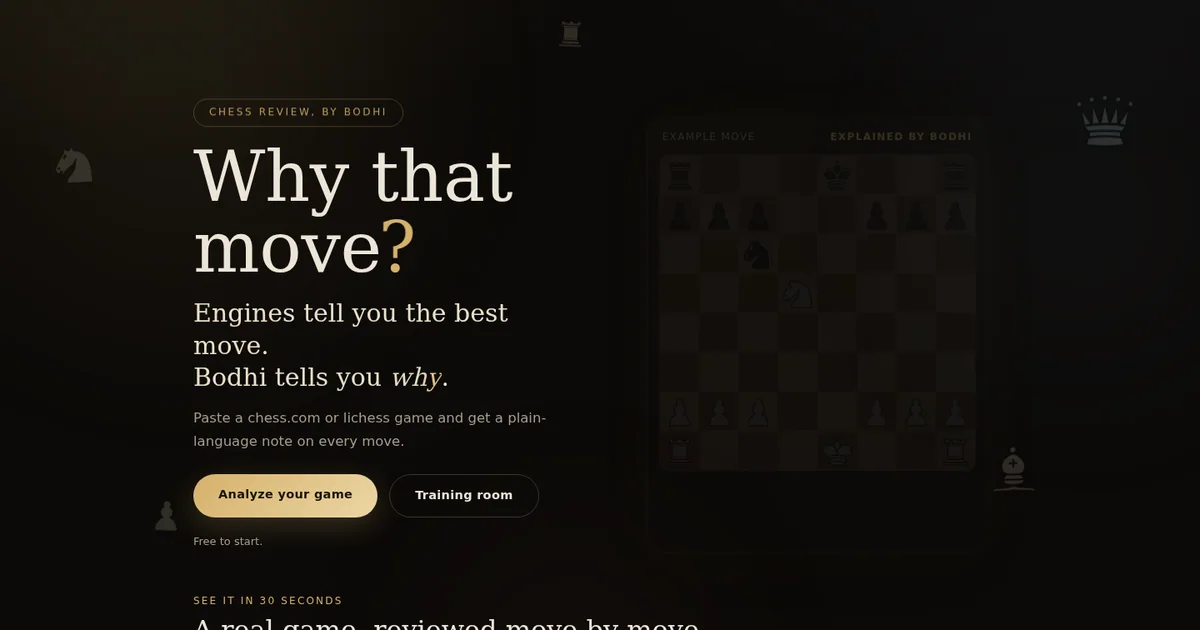
Why that move is a chess review tool that explains each move in plain language. Engines name the best move, and this tool tells you why it is best. Paste a game from chess.com or lichess, and you get a note on every move, with the stronger move named when a move goes wrong.
How a review works
- Paste a chess.com or lichess game into the analysis page.
- Step through every move, with the engine lines next to the notes.
- Read the notes. Each one says what the move does and what was stronger, and every note is tested against the board before you see it.
The review shows the swing in the evaluation for key moves, so you can see how much a mistake cost. Tournament games from live events are reviewed too, so you can study strong players as well as your own games.
From mistakes to training
The positions you got wrong become short training drills, so the lesson sticks. The training room gathers those drills in one place.
Free to start
You begin with 100 credits, and you get 50 more every Monday, which covers a full review each week. Your optional answers to three quick questions are stored only on the device you use, and they tune what the tool suggests first. A profile keeps your reviews, credits and security settings together.
Who it's for
Chess players who want to understand their own mistakes, not only the best move
Typical uses
- Learning why a move lost the game after a club match
- Turning the mistakes in your own games into training drills
- Following the analysis of a tournament game from a live event
Features
- Explains every move in plain language, and names the stronger move
- Reviews chess.com and lichess games that you paste into the tool
- Shows the engine swing for each key move, in pawns
- Turns the positions you got wrong into short training drills
- Reviews tournament games from live events
- Checks every note against the board before it is shown
Pricing
See the product's website for current plans and pricing.
Limitations
- Games are imported from chess.com and lichess only.
- Your optional answers are stored only on the device you use, so they do not follow you to another device.
- The free allowance is 100 credits at the start and 50 more every Monday.
FAQ
Is Why that move free to use?
Yes, to start. You get 100 credits, then 50 more every Monday, and that covers a full review each week.
Which games can I review?
Games from chess.com or lichess, which you paste into the analysis page. Tournament games from live events are reviewed too.
Do I need an account?
No. The three quick questions work without one, and a profile keeps your reviews, credits and security settings together.