
TopBlox
Pick Roblox games and launch them in one click
At a glance
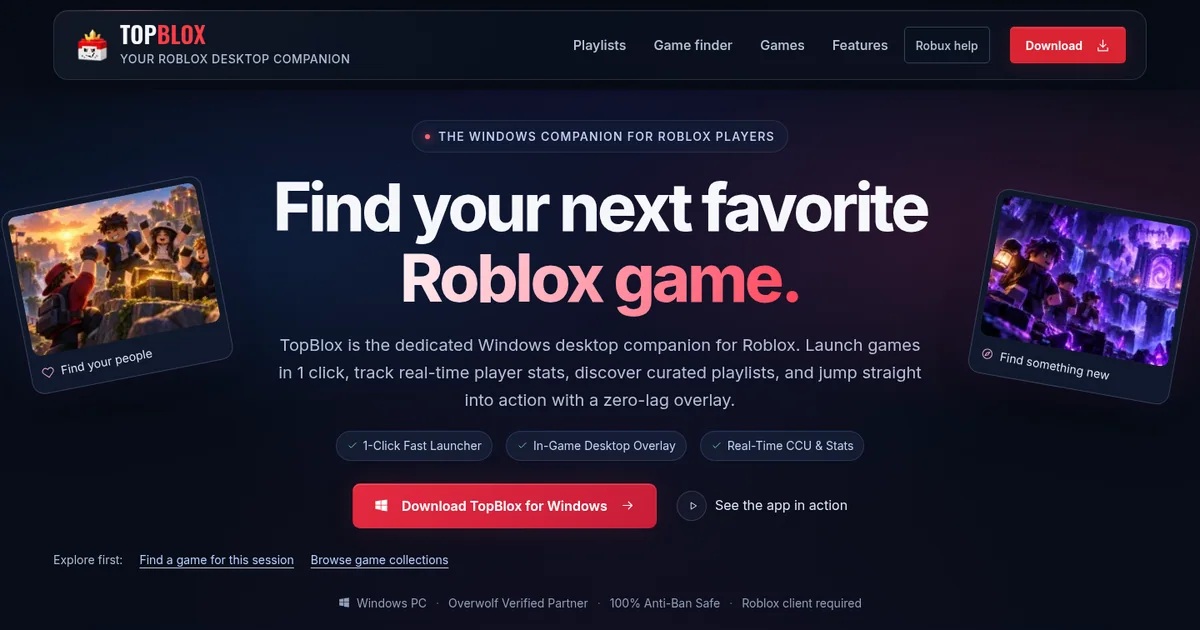
TopBlox is a Windows companion app for Roblox players that shows curated playlists, live player counts and a one-click launcher.
- 1click to launch a game
- 3questions for your taste
- Curated playlists by genre, mood and play style
- Real-time player counts before you join a game
- A taste quiz for when you do not know what to play
- Pricing
- Free
- Platforms
- Windows
- Category
- Productivity Tools
- Website
- topblox.app
- Last checked
What it does
TopBlox is a Windows desktop companion for Roblox players. It helps you choose a game, and then it opens the game in Roblox with one click. Roblox must be installed, because TopBlox helps you pick games but does not play them itself.
Finding a game
Curated playlists group games by genre, mood and play style. A discovery quiz asks three questions about your taste and suggests games that fit. Quick Pick lets you preview a game before you launch it, with its creator and public information.
Playing with an overlay
The in-game overlay opens over a Roblox session, so you can switch games and check live player statistics without leaving the match. Real-time player counts show how busy a game is before you join it.
Launching and saving
Choose a game in TopBlox, and it opens in Roblox. You can also save favorites and keep a Play Later list, so the next good find is ready when you have time.
Website and app
A separate website game finder offers the quiz and the playlists as well, but its answers and results do not carry over to the Windows app. The app is installed through Overwolf, and you also need the Roblox desktop client to play.
Who it's for
Windows players of Roblox who want help choosing a game
Typical uses
- Finding a new Roblox game to play with friends on a weeknight
- Checking live player numbers before joining a busy game
- Keeping a list of games to try later
Features
- Finds games in curated playlists by genre, mood and play style
- Suggests games with a three-question taste quiz
- Shows real-time player counts and statistics for each game
- Launches a chosen game in Roblox with one click
- Previews a game with its creator and public information
- Adds an in-game overlay for browsing during a Roblox session
- Saves favorites and a Play Later list
Pricing
Free
The Windows companion is free to download. You also need the Roblox desktop client to play, and TopBlox does not replace it.
Limitations
- TopBlox is a Windows desktop app, so there is no Mac or mobile version.
- TopBlox helps you choose games, and Roblox is where you play them.
- The website game finder is separate, and its answers do not carry over to the desktop app.
FAQ
Is TopBlox free?
The Windows companion is free. It is installed through Overwolf, and you also need the Roblox desktop client to play.
Does TopBlox play Roblox for me?
No. TopBlox helps you choose a game and opens it in Roblox, and Roblox is where you play.
Can I use TopBlox on a Mac?
No. TopBlox is a Windows desktop app.