
Shotspa
Polished Mac screenshots from the shortcut you use
At a glance
Shotspa is a Mac menu bar app that adds backgrounds, shadows and 3D tilt to the screenshots you already take with Command-Shift-4.
- 24 USDonce, no subscription
- 14 looksbuilt in, plus your own
- Keeps the macOS screenshot shortcuts you already use
- Screenshots stay on your Mac
- One-time price with no subscription
- Pricing
- Paid
- Platforms
- macOS
- Category
- Design Tools
- Website
- anuragsoni.com
- Last checked
What it does
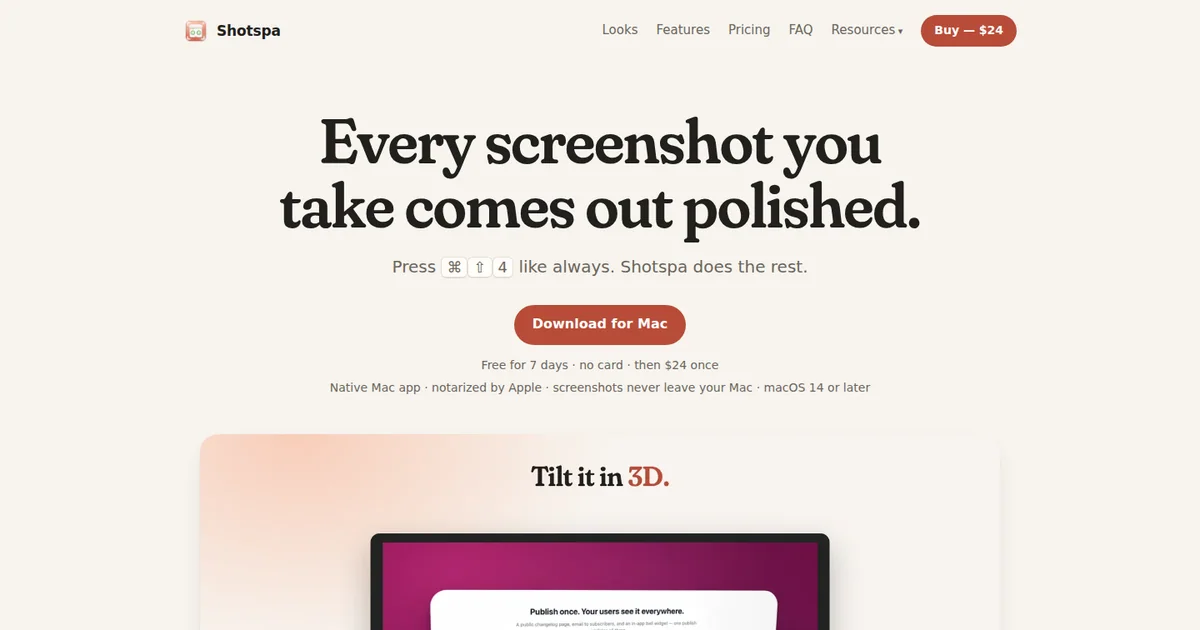
Shotspa is a Mac menu bar app for people who take screenshots for posts, docs and product pages. You keep using the macOS shortcuts you know. Shotspa then returns the screenshot with a backdrop, a shadow and a 3D tilt, so it looks finished without a design app.
How it works
- Take a screenshot with Command-Shift-4 or Command-Shift-5.
- The editor opens with the shot already styled, or the result goes straight to your clipboard.
- Paste it into Slack, X or a document, or save it sized for a platform such as LinkedIn or YouTube.
The app includes fourteen looks, from styles such as Neon and Aurora to frames such as a browser window or a stack of cards. The Match look builds a background from the colours of your own screenshot. Your original file is never changed.
Good to know
Shotspa runs on macOS 14 or later and is notarized by Apple. Screenshots stay on your Mac. The app is a one-time purchase at 24 USD, after a free seven-day trial that needs no card.
The focus tool draws attention to one part of a screenshot, and the rest of the image fades back, which helps when a screenshot is busy.
Who it's for
Mac users who post screenshots of apps, websites and products
Typical uses
- Post a product screenshot on X without opening a design app
- Add a polished frame to a screenshot for a README
- Highlight one part of a dashboard with the focus tool
Features
- Adds a backdrop, shadow and 3D tilt to each screenshot
- Offers fourteen looks and lets you save your own
- Frames screenshots as a browser window, Mac window, glass or stack
- Builds a background from the colours of your screenshot
- Sizes the result for X, LinkedIn, Instagram, YouTube and more
- Keeps the original screenshot unchanged
Pricing
Paid
A one-time purchase of 24 USD after a free seven-day trial. There is no subscription, and no card is needed for the trial.
Limitations
- The app runs only on Mac, with no Windows or iPhone version
- It needs macOS 14 or later
FAQ
Is Shotspa free?
There is a free seven-day trial with no card needed. After that, Shotspa costs 24 USD once.
Do my screenshots leave my Mac?
No. Screenshots stay on your Mac, and the app is notarized by Apple.
Which macOS version do I need?
macOS 14 or later.
Can I use my own look?
Yes. You can save your own look next to the fourteen built-in looks.