

Shotsmith
App Store and Play screenshot sizes in one ZIP
At a glance
Shotsmith is a browser tool that resizes raw app screenshots into App Store and Google Play sizes, with one caption for each screen.
- €9Pro, paid once
- Freeeditor, with watermark
- Sizes for both stores in one ZIP, with a folder per language
- Includes the two iPhone Duo sizes
- Screenshots stay in the browser, not on a server
Works with App Store ConnectGoogle Play
- Pricing
- Freemium
- Platforms
- Web
- Category
- Design Tools
- Website
- shotsmith.pages.dev
- Last checked
What it does
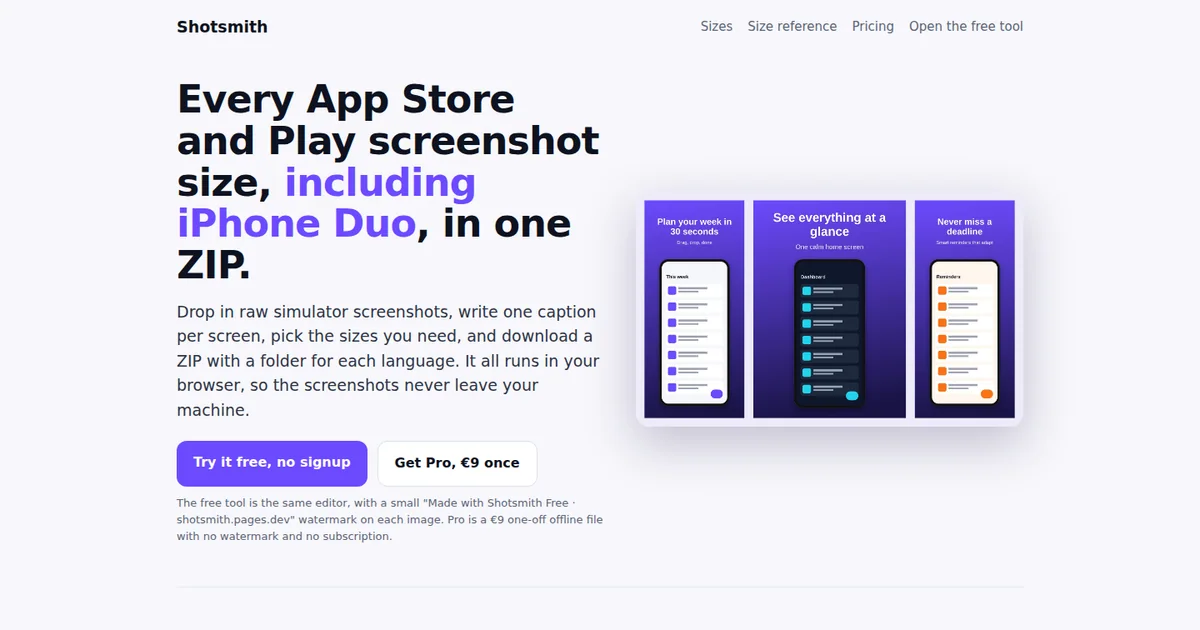
Shotsmith is a browser tool that prepares app screenshots for the App Store and Google Play. You drop in raw simulator screenshots, write one caption per screen and choose the sizes you need. The result is a ZIP file with a folder for each language.
The tool includes the two iPhone Duo sizes, 1398×2034 and 2007×2853, for the outer and inner displays. Apple added these two screenshot sizes to App Store Connect, and Shotsmith includes both.
There is no account to create before you try the free editor.
How it works
- Drop in your raw screenshots.
- Write one caption for each screen.
- Pick the store sizes you need.
- Download the ZIP.
Free and Pro
The free editor is the same tool as Pro. It adds a small watermark to each image that reads Made with Shotsmith Free and the site address. Pro is an offline version with no watermark and no subscription, bought once. Pro removes that line from every image, so the exported files are clean for submission.
Good to know
- Everything runs in your browser, so the screenshots never leave your machine.
- The free version is free to try without signup.
Who it's for
Mobile app developers who submit to the App Store and Google Play
Typical uses
- Prepare store screenshots for a new iOS app release
- Export one set of screenshots for several languages at once
- Make iPhone Duo screenshots for App Store Connect
Features
- Exports App Store and Google Play screenshot sizes in one ZIP
- Includes the iPhone Duo sizes, 1398×2034 and 2007×2853
- Adds one caption for each screen
- Free editor with no signup needed
- Pro version removes the watermark and runs offline
Pricing
Freemium
The free editor costs nothing and adds a small watermark to each image. Pro costs €9 once, plus VAT where it applies, with no subscription.
Limitations
- The free version adds a small watermark to each image.
- Pro is an offline file bought once, so it does not renew.
FAQ
Is Shotsmith free?
Yes, the editor is free to try with no signup. Each exported image carries a small watermark.
What does Pro cost?
Pro is €9 once, plus VAT where it applies. It removes the watermark and works offline.
Are my screenshots uploaded?
No. The tool runs in your browser, so the screenshots stay on your machine.