

Shotoku
Budgets and approvals for agent spending
At a glance
Shotoku is a local tool that checks AI agent spending against budgets and approval rules before a payment or paid call goes through.
- No accountRuns on your machine
- Node.js 20+Required runtime
- Policy rules sit in one YAML file, not in application code
- Decisions are stored in a local file you can inspect, move or delete
- Fails closed: a missing or invalid policy denies every request
Works with Claude DesktopClaude CodeCursorPayPal
- Platforms
- CLI, API, Web
- Category
- AI Agents & Automation Tools
- Website
- shotoku.dev
- Last checked
What it does
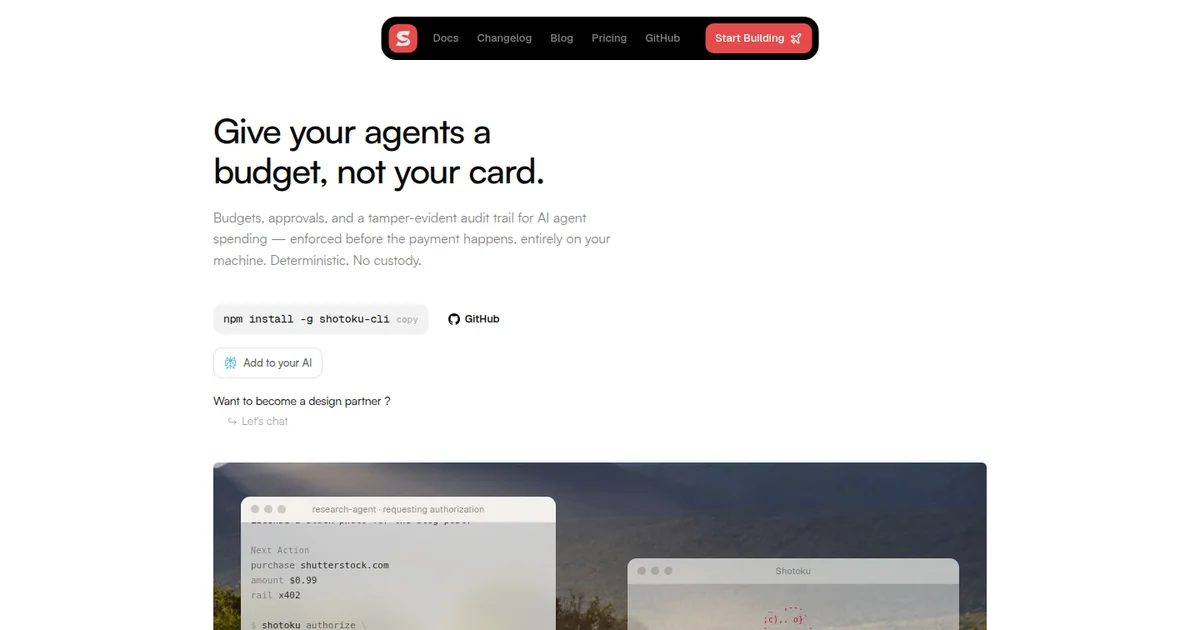
Shotoku is a local decision layer for AI agent spending. Before an agent pays for something, calls a paid API or runs a tool, Shotoku checks a policy file for limits and rules, then approves, denies or holds the request.
It runs on your own machine, with no account and no cloud. Every decision is written to a local ledger file, so you can see what an agent was allowed to do and when. Shotoku holds no funds and stores no keys.
How it works
- Install the CLI with npm and run the init command in a folder you choose.
- Write your rules in a YAML policy file, with a limit per transaction and per day for each vendor.
- Connect your agent through the MCP server, or call the authorize function from your own code.
What makes it different
Shotoku is built as infrastructure, not as a log. Limits and approvals apply before a payment happens, and a held request waits in a queue until a person decides. The MCP server can sit in front of an agent's other MCP servers, so each tool call is checked before it reaches them.
Good to know
- Approvals can be given in the terminal, in the browser dashboard or on Telegram.
- If the policy file is missing or invalid, every request is denied.
Who it's for
Developers who run AI agents that can spend money or call paid APIs
Typical uses
- Limit how much a shopping or research agent can spend each day
- Require a person to approve large refunds from a support agent
- Keep a record of every paid call an agent was allowed to make
Features
- Budgets per agent and rolling daily limits per vendor
- Per-transaction limits and allowlists in a YAML policy file
- Approval queue for spending above a set limit
- Local audit trail of every decision in a JSONL file
- MCP server that checks tool calls before they run
- Authorize() function for code that does not use MCP
Pricing
See the product's website for current plans and pricing.
Limitations
- Needs Node.js 20 or newer
- Runs on your own machine only, with no cloud sync
- An agent is only checked if it calls the MCP server or the authorize function
FAQ
Does Shotoku move money or hold keys?
No. Shotoku holds no funds and stores no credentials or private keys. It decides whether a spend is allowed and records that decision.
Does Shotoku need an account or internet connection?
No. It runs entirely on your machine, with no account and no telemetry.
What happens when an agent goes over a limit?
The request is denied, or held for approval when the policy rule says pending approval.
Can I use Shotoku without MCP?
Yes. Code can call authorize() from the @shotoku/core package before the agent acts.