
Shepit
Dictation and call notes that stay on your Mac
At a glance
Shepit is a Mac app that types your speech into any app and writes notes from video calls on your own computer.
- Freeplan with limits
- 7 USD/monthPro, monthly billing
- Speech recognition and summaries run on the Mac itself
- Your voice and the other side of a call sit on separate tracks
- Nothing downloads until you choose a speech model
Works with ZoomGoogle MeetMicrosoft TeamsSlackFaceTimeDiscord
- Pricing
- Freemium
- Platforms
- macOS
- Category
- AI Productivity Tools
- Website
- lakiza.io
- Last checked
What it does
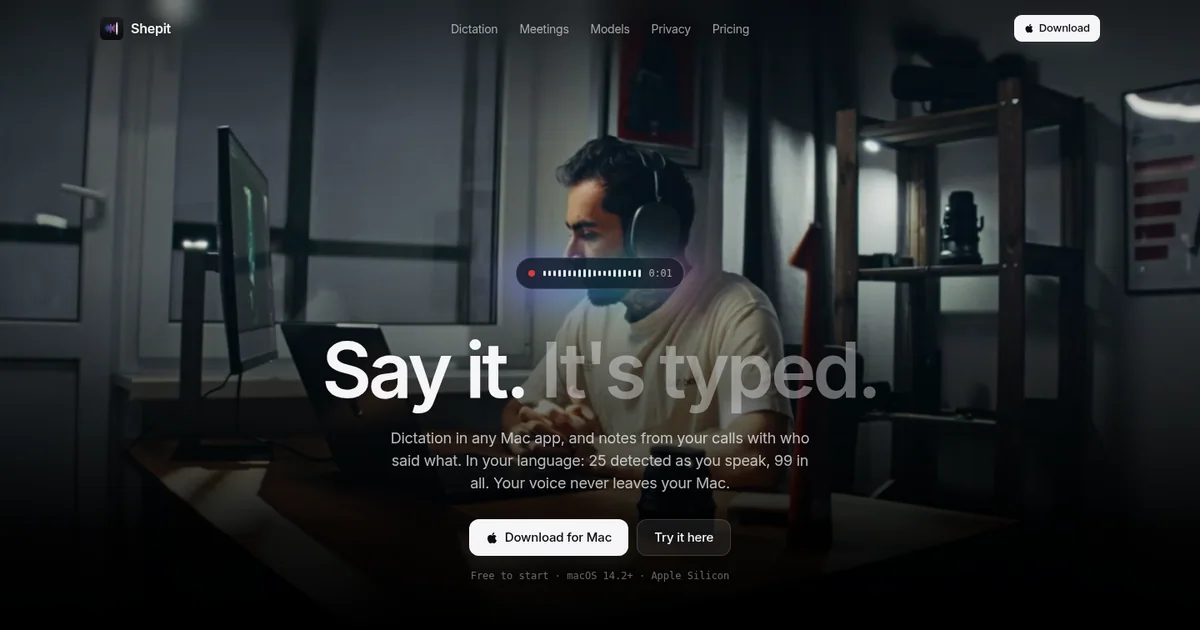
Shepit is a dictation app for Mac. You hold a key and speak, and the text appears where your cursor is, in any app. It also records video calls and writes a summary with decisions and action items. No bot joins the meeting.
Speech recognition and summaries run on your Mac, so the app works with Wi-Fi off once the speech models are downloaded. Your history and meeting files stay in a folder on your Mac that you can delete at any time.
How it works
- Hold the dictation key or press Option and Space, then speak.
- Let go, and the cleaned-up text is pasted at your cursor.
- When a call app such as Zoom or Meet starts using your microphone, Shepit offers to record the call.
What makes it different
Your voice and the other side of a call are recorded on separate tracks, so speaker labels stay accurate. Each finished meeting shows the decisions, the action items with owners and the open questions, and you can rename the speakers afterwards. You choose the speech model yourself, and nothing downloads until you pick one. Parakeet models cover 25 European languages, and Whisper models cover 99. Every dictation stays in your history, so you can replay it or run it again through a different model.
Good to know
- Shepit needs an Apple Silicon Mac, M1 or newer, on macOS 14.2 or later.
- Free use has limits. Pro removes them.
Who it's for
Mac users who dictate messages or take notes on calls
Typical uses
- Answer long messages by speaking instead of typing
- Keep notes of a video call without a bot in the meeting
- Get a summary with action items after a client call
Features
- Dictates text into any Mac app at the cursor
- Removes filler words and adds punctuation
- Records your microphone and the other side of a call
- Writes summaries with decisions and action items
- Labels speakers and lets you rename them
- Translates speech into English with a separate shortcut
Pricing
Freemium
Free with 5,000 dictated words a week and three recorded calls a month. Pro costs 7 USD/month or 59 USD/year. A lifetime license costs 79 USD for the first 200 buyers, then 129 USD.
Limitations
- Mac only. It needs an Apple Silicon Mac on macOS 14.2 or later for call recording.
- The free plan allows 5,000 dictated words a week and three recorded calls a month.
- You need the internet once to download the speech model and, for summaries, a summary model.
FAQ
Is Shepit free?
Yes, with limits. The free plan includes 5,000 dictated words a week and three recorded calls a month. Pro removes those limits.
Does Shepit work offline?
Yes, after the first download. You need the internet once to download a speech model and a summary model if you want summaries.
Which languages does Shepit support?
The Parakeet models cover 25 European languages, Ukrainian included. The Whisper models cover 99 languages.
Does a bot join my meetings?
No. Shepit records from your Mac, and no bot appears in the participant list.