

ScribeTo
Video and audio to text, with editable transcripts
At a glance
ScribeTo turns uploaded or linked video and audio into an editable transcript with speaker labels, subtitles and AI summaries.
- 99+languages supported
- 19.99 USDPlus plan per month
- 450minutes a month on Plus
- Edit the transcript beside the audio, and every AI answer uses your corrections
- Export subtitles in SRT or VTT with the timing you approved
- Works in the browser with file uploads, links and live recording
Works with YouTubeTikTokInstagramSpotifyApple PodcastsRSS podcast feeds
- Pricing
- Freemium
- Platforms
- Web
- Category
- AI Productivity Tools
- Website
- scribeto.ai
- Last checked
What it does
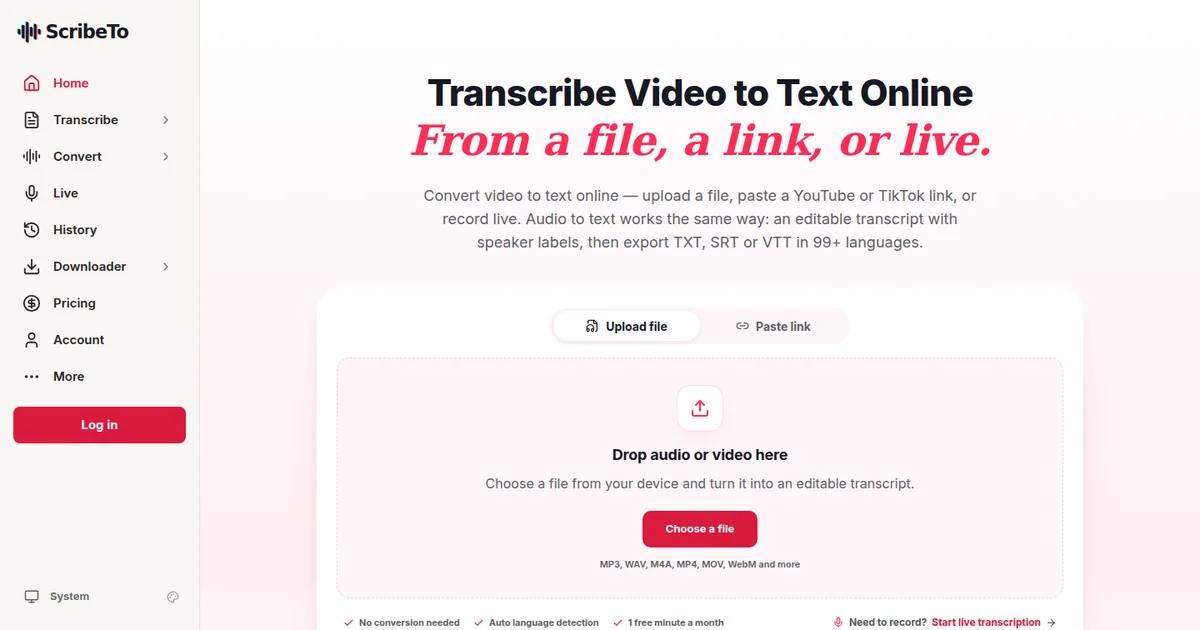
ScribeTo is a transcription tool for video and audio. You can upload a file, paste a public link from TikTok, YouTube, Instagram or a podcast feed, or record live in the browser. The result is a transcript with speaker labels and clickable timestamps.
Live recording suits a meeting, an interview or a lecture. The text appears while the room is still talking, and a single recording can be up to 50 MB.
How it works
- Upload an MP3, WAV, M4A, MP4, MOV or WebM file, or paste a public link.
- Correct the transcript in place, next to the audio.
- Export TXT, Markdown, SRT, VTT or JSON.
The corrected transcript is also the base for AI summaries, outlines and Q&A, so a name fixed once is used in every later answer.
Subtitles and translation
The timestamped segments are the single source for captions. Export them as SRT or VTT files, or translate the same text into any of 99+ languages.
Good to know
Clean speech in a quiet room comes back close to publishable. Heavy accents, crosstalk and background noise lower the accuracy, so check the text against the audio. Exports and recording downloads need a paid plan or a one-time minute pack.
Who it's for
People who need transcripts of video, audio or live recordings
Typical uses
- Turn a recorded interview into a searchable transcript
- Add subtitles to a video and export them as SRT or VTT
- Get a summary and outline of a long lecture or podcast episode
Features
- Transcribes uploaded MP3, WAV, M4A, MP4, MOV and WebM files
- Transcribes public links from TikTok, YouTube, Instagram and podcast feeds
- Records live audio in the browser and shows the text as it comes in
- Edits the transcript beside the audio, with clickable timestamps
- Exports TXT, Markdown, SRT, VTT and JSON files
- Creates AI summaries, outlines and Q&A from the corrected transcript
- Transcribes and translates in 99+ languages
Pricing
Freemium
Free to start, with uploads and live recording included. Plus costs 19.99 USD a month or 219.90 USD a year, for 450 minutes. Pro costs 59.99 USD a month for 1,400 minutes.
Limitations
- Only public links work, so private or login-only media cannot be pasted
- Exports are TXT, Markdown, SRT, VTT and JSON, with no DOCX or PDF export
- Exports and recording downloads need a paid plan or a one-time minute pack
- Accuracy drops with heavy accents, crosstalk and background noise
FAQ
Is ScribeTo free?
Yes, there is a free plan with unlimited uploads and live recording. Exports and recording downloads need a subscription or a one-time pack purchase.
Which links can I transcribe?
Public URLs from TikTok, Instagram, YouTube, X, Facebook, Spotify and Apple Podcasts, plus RSS podcast feeds. Other links are rejected before transcription starts.
Can I make subtitles from a transcript?
Yes. Export the timestamped transcript as SRT or VTT files, or translate the same text into any of 99+ languages.
Who can see my recordings?
Your files and transcripts belong to your account. Media is stored in Cloudflare R2, and only the data a task needs goes to the speech providers that process it.