

Screentell
Screen recording and demo editing in the browser
At a glance
Screentell is a browser-based screen recorder and video editor for product demos and tutorials.
- Freeunlimited recordings
- 6.99 USDa month, Pro plan
- Recordings are processed locally in the browser
- Focus zoom and 3D motion are built into the editor
- A one-time Lifetime plan is available for 99 USD
- Pricing
- Freemium
- Platforms
- Web, macOS, Windows, Linux
- Category
- Productivity Tools
- Website
- screentell.com
- Last checked
What it does
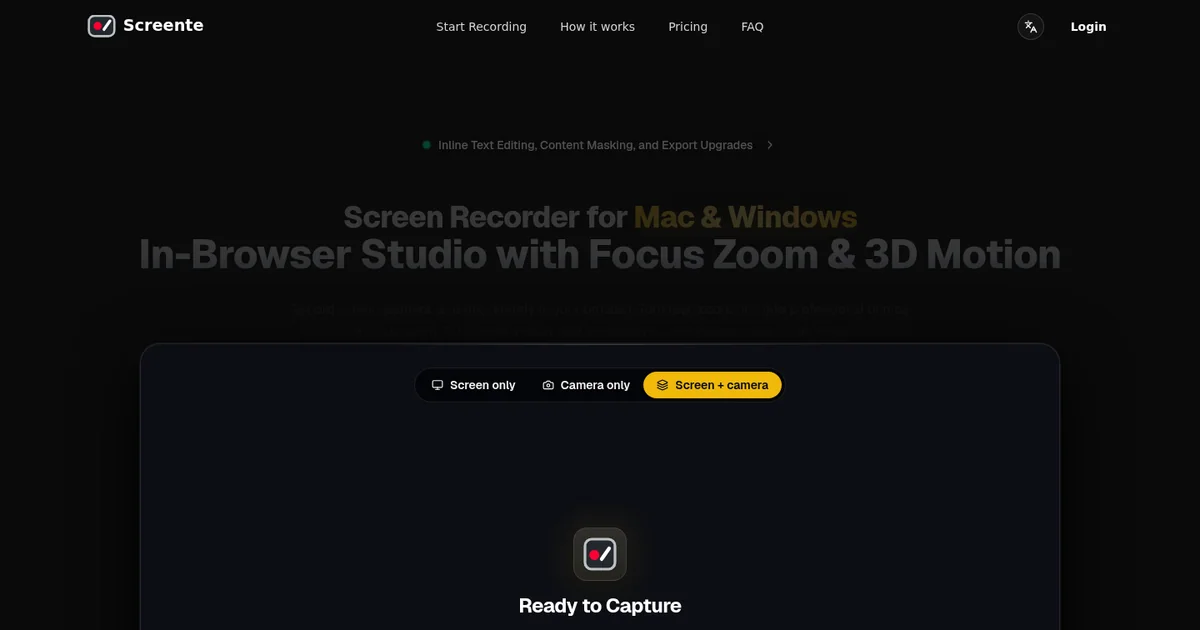
Screentell is a browser-based screen recorder and video editor for product demos and tutorials. You record your screen, camera and microphone without installing an app, then turn the raw recording into a finished clip.
The editor adds focus zoom and 3D motion to a recording, so the viewer's attention stays on the part of the screen that matters. You can also place stickers, annotations and layouts, cut clips and change their speed.
How it works
- Start a recording of your screen, camera or microphone in the browser.
- Edit the clip with focus zoom, annotations, cuts and speed control.
- Export the video in HD, or use a Pro export for higher resolution without the watermark.
All processing happens locally in your browser, so recordings never leave your device. The free plan has unlimited recordings and edits, but its exports carry a watermark and run up to three minutes.
A good demo shows one step per clip, and you can cut the recording to keep only the part that matters. Because the free plan has no limit on recordings, you can test the whole workflow before you decide on a paid plan.
Pro costs 6.99 USD a month or 49.99 USD a year and removes the watermark. A Lifetime plan costs 99 USD once and includes later updates.
Who it's for
Creators and teams that make product demos and tutorials
Typical uses
- Turn a raw screen recording into a product demo
- Record a tutorial with a face cam in the corner
- Make a short walkthrough without installing an app
Features
- Records screen, camera and microphone in the browser
- Adds focus zoom and 3D motion to recordings
- Places stickers, annotations and layouts on clips
- Cuts clips and changes their playback speed
- Imports external video for editing
- Exports video in HD quality
Pricing
Freemium
Free plan with unlimited recordings and edits, and exports of up to 3 minutes with a watermark. Pro costs 6.99 USD a month or 49.99 USD a year, and Lifetime costs 99 USD once.
Limitations
- Free exports carry a watermark and are limited to 3 minutes per video.
- Watermark-free exports and longer videos require the Pro or Lifetime plan.
FAQ
Is Screentell really free?
Yes, you can record and edit unlimited videos for free. Free exports have a watermark and are limited to 3 minutes per video.
Are my recordings uploaded to a server?
No. All processing happens in your browser, and your recordings never leave your device.
What does the Pro plan add?
Pro removes the watermark, allows longer exports and offers higher resolution exports for 6.99 USD a month or 49.99 USD a year.
Which operating systems does it support?
It runs in the browser on Mac, Windows and Linux, so there is no app to install.