

Redirect
Every pause costs a small task first
At a glance
Redirect is a Chrome extension that sends distracting sites such as YouTube and Reddit to a page you choose.
- $0free for one site
- 4.99 USDper month, Redirect Pro
- Each pause asks for a small task, such as typing a passage or solving math problems
- Rules and history stay in the browser, with no account
- Blocks whole sites, single paths such as youtube.com/shorts, or patterns
Works with Google ChromeChromium
- Pricing
- Freemium
- Platforms
- Browser extension
- Category
- Productivity Tools
- Website
- heyredirect.com
- Last checked
What it does
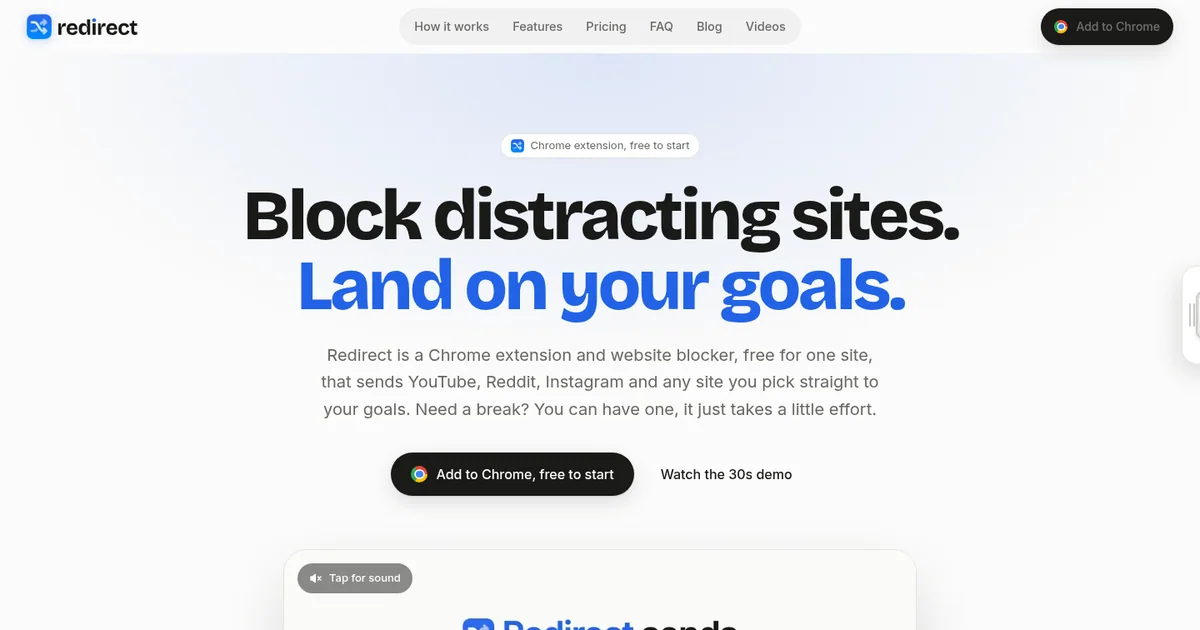
Redirect is a Chrome extension that sends distracting websites to your goals. It is a focus tool and website blocker, not a URL redirect service or a browser hijacker. When you open a blocked site such as YouTube, Reddit or Instagram, the tab goes to a page you choose instead.
How it works
- Pick the sites that pull you in, or add a rule pack such as no social media, no news or no shopping.
- Choose how hard the pause is, from a typing challenge to a 60 second wait.
- Set a schedule or exceptions, for example blocking a site only on weekdays from 09:00 to 18:00.
What makes it different
Redirect asks for a small task before each pause, and every rule has its own pause length and daily limit. It also catches in-app navigation in single page apps, so opening Shorts from the YouTube home page is caught too. A floating timer shows how much of a pause is left while you are on the site. The Focus page keeps your goals, a 14-day chart and the reasons behind each break.
Good to know
- Your rules, goals and stats are stored in the browser, and there is no account.
- Redirect works in Google Chrome and Chromium-based browsers only.
- Switching off a rule takes the same effort as a pause, which makes it hard to undo in a moment of temptation.
Who it's for
People who lose time to social media, video and news sites on a Chrome browser
Typical uses
- Stop YouTube Shorts and Reddit feeds from pulling you in during work hours
- Keep one study channel open while the rest of YouTube is blocked
- Add a small task before opening a shopping or news site
Features
- Redirects distracting sites to your goals or a URL you choose
- Blocks whole sites, single paths such as youtube.com/shorts, or patterns
- Offers six kinds of pause, from a typing challenge to a 60 second wait
- Blocks sites on schedules, with exceptions for sites you need
- Sets daily pause limits and shows a floating pause timer
- Shows a Focus page with your goals, a 14-day chart and pause reasons
Pricing
Freemium
Free for one blocked site, with all six kinds of pause. Redirect Pro costs 4.99 USD a month for unlimited sites on up to three devices, and a one-time Lifetime plan is also offered.
Limitations
- Works only in Google Chrome and Chromium-based browsers.
- The free plan blocks one site. Unlimited sites need a paid plan.
- Switching off a rule requires finishing that rule's pause task first.
FAQ
Is Redirect free?
Yes, for one blocked site. The free plan includes all six kinds of pause, schedules and the Focus page. Unlimited sites need a paid plan.
Does Redirect work on YouTube Shorts and Reddit?
Yes. It catches in-app navigation in single page apps, so opening Shorts from the YouTube home page is caught too.
Does Redirect send my browsing data anywhere?
Rules, goals, stats and pause reasons stay in the browser, and there is no account. The extension sends anonymous usage stats, never the sites you visit, and you can turn them off in Settings.