

Pixelab
Free browser photo editor with on-device AI
At a glance
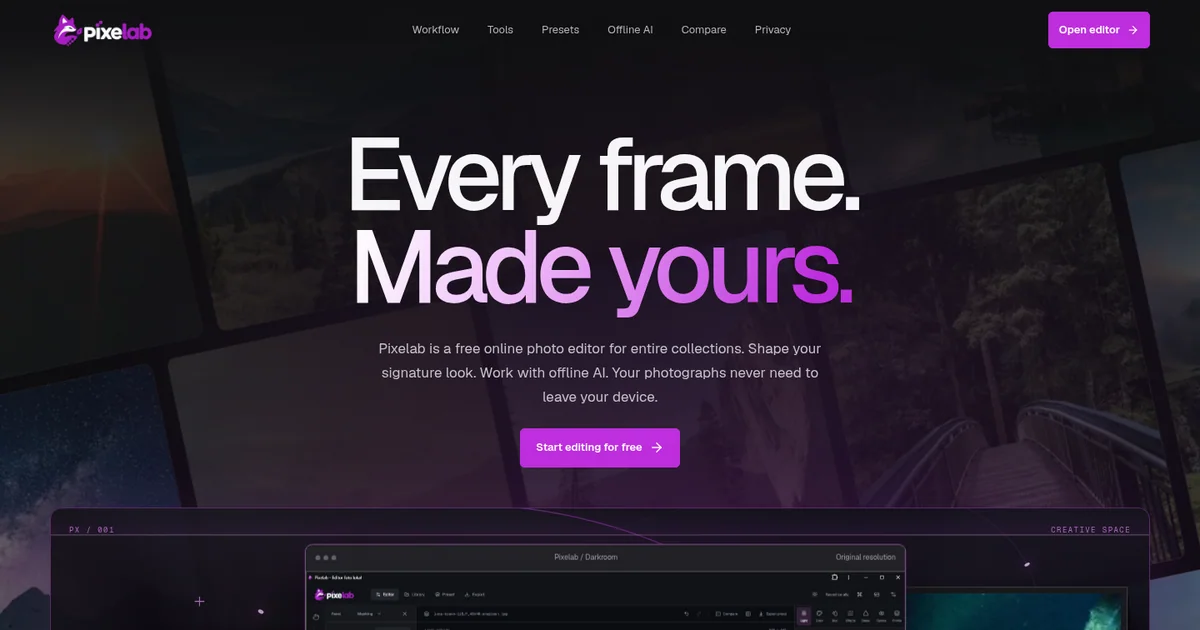
Pixelab is a free photo editor that runs in the browser, for editing whole photo collections with AI tools that run on your device.
- Freeno subscription
- Offlineafter first setup
- Photos are processed on your device, with no cloud photo storage
- Offline AI tools run locally, with no credit balance
- Each original stays separate from its editing recipe
- Pricing
- Free
- Platforms
- Web
- Category
- Design Tools
- Website
- pixelab.ai.id
- Last checked
What it does
Pixelab is a free photo editor that runs in the browser. It is built for people who edit whole shoots rather than single files, and it keeps the work on the device.
Photographers and creators use it to adjust light and color across a collection. Each photo keeps its original, and the editing recipe stays separate, so you can return to an earlier version. The workspace has no ads and no subscription, so a growing collection does not add a monthly bill.
How it works
- Open Pixelab in a browser and import your photos into a folder.
- Adjust light and color, or apply a preset to one image or to the whole collection.
- Export at original resolution once the edit is ready.
- Install the app and the AI models while online if you plan to work offline.
What makes it different
Pixelab processes photos on your device instead of on a remote server. There is no cloud library, so the workflow from import to export stays in one local workspace. Projects and downloaded AI models are kept in browser storage, so you can keep working offline after the first setup.
Good to know
- The AI tools need compatible hardware and a one-time model download.
- RAW support depends on the camera format.
- Browser data can be cleared, so keep local backups of your projects.
Who it's for
Photographers and creators who edit whole photo collections
Typical uses
- Apply one color look to a whole travel shoot
- Remove a background or a distraction from a product photo
- Enlarge a small photo before using it at a larger size
Features
- Adjusts light and color with saved presets
- Applies one look to a whole photo collection at once
- Exports batches at original resolution
- Removes backgrounds and objects with on-device AI tools
- Enlarges and denoises photos with local AI models
- Develops supported RAW files
- Adds lens blur with a simulated depth-of-field effect
Pricing
Free
Free to use, with no subscription and no ads. The offline AI tools need a one-time model download.
Limitations
- AI tools need compatible hardware and a one-time model download
- RAW support varies by camera format
- Projects live in browser storage, so back them up locally
FAQ
Is Pixelab free?
Yes. Pixelab is free to use and has no subscription. Its offline AI tools need compatible hardware and downloaded models.
Are my photos uploaded to a server?
No cloud photo storage is used, and editing runs on your device. Projects and downloaded AI models stay in browser storage.
Does Pixelab work offline?
Yes, after setup. Install the app and download the AI models while online, and the editor keeps working without a connection.
Can I edit RAW files in Pixelab?
Yes, for supported RAW formats. Support varies by camera format.