
PinAngle
Pinterest Pins made from your existing pages
At a glance
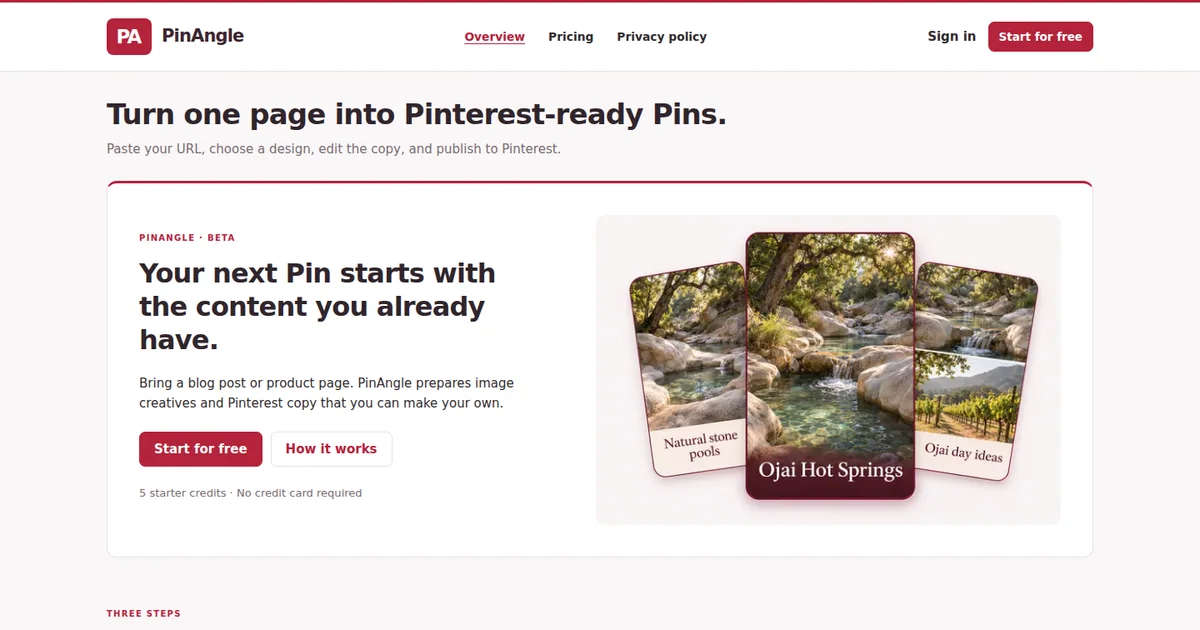
PinAngle turns a blog post or product page into editable Pinterest Pins for bloggers and online shops.
- Starts from a page you already have, with no design work first
- Edit every Pin before you publish
- You confirm every Pin before it goes to Pinterest
- Pricing
- Free
- Platforms
- Web
- Category
- Marketing & SEO Tools
- Website
- pinangle.app
- Last checked
What it does
PinAngle turns a blog post or product page into Pinterest Pins. Paste the link to a public page, and PinAngle reads its text and images and prepares image creatives with a Pinterest title and description for each one. It is built for people who already publish content and want more traffic from Pinterest without designing every image from scratch.
Two ways to create
- Quick Pin makes one Pin that you can edit and publish. It costs 1 credit and takes about 30 seconds.
- Full Experiment makes several creatives from the same page and compares them in an A/B view. It costs 3 credits and takes about 2 to 3 minutes.
The 5 starter credits cover either five Quick Pins, or one Full Experiment and two Quick Pins. An analysis uses credits when it is submitted, so a failed attempt still counts.
Editing before you publish
Each Pin opens in an editor. You can change the image text, fonts, colors, layout, crop and zoom, and you can rewrite the Pinterest title and description. Saved drafts stay in your private workspace, so you can come back to them later. Reopening a saved result and editing a Pin do not use credits.
Publishing
You can create and download Pins before you connect a Pinterest account. Connecting an account is only needed when you want to publish. You choose the board and confirm each Pin yourself, so nothing goes out automatically.
Who it's for
Bloggers and small online shops that publish on Pinterest
Typical uses
- Turn a new blog post into a set of Pins for Pinterest
- Make Pins for a product page before a seasonal launch
- Compare two Pin designs for the same article before posting
Features
- Turns a blog post or product page into Pinterest Pins
- Offers a Quick Pin for one edited Pin or a Full Experiment with several creatives
- Compares several creatives in an A/B view
- Edits text, fonts, colors, layout, crop and zoom
- Writes and edits the Pinterest title and description
- Downloads the image or publishes it to a chosen board
- Keeps analyses and drafts in a private workspace
Pricing
Free
Every new account gets 5 starter credits, granted once. Paid credit packs are coming soon.
Limitations
- Starter credits are granted once and do not reset each month.
- Credits are used when an analysis starts, including failed or interrupted attempts.
- Some websites block automated access, so a page that refuses it cannot be used.
- Publishing to Pinterest requires a connected Pinterest account.
FAQ
Is PinAngle free?
You can start for free. Every new account gets 5 starter credits, which are granted once. Paid credit packs are coming soon.
Do I need Pinterest to try it?
No. You can analyze a page, edit a Pin and download the image first. You connect Pinterest when you want to publish.
Does PinAngle publish Pins on its own?
No. You review each Pin, choose a board and confirm the publication yourself.
How many credits does a Pin cost?
A Quick Pin costs 1 credit and gives you one Pin to edit. A Full Experiment costs 3 credits and gives you several creatives to compare.