

PhotoDrain
Move a Google Photos export into your Synology NAS
At a glance
PhotoDrain is a commercial Synology package that imports Google Takeout photos, videos and albums into Synology Photos on your NAS.
- 2 GiBfree to try
- DSM 7.3+current download
- Imports locally, so photos and videos are not uploaded to the publisher's servers
- Matches Takeout JSON metadata to restore dates and captions
- Pauses and resumes an import, including after a NAS restart
- Can roll back an import, with counters for the files it removes
Works with Google TakeoutSynology PhotosDSM
- Pricing
- Freemium
- Platforms
- Web
- Category
- Productivity Tools
- Website
- photodrain.com
- Last checked
What it does
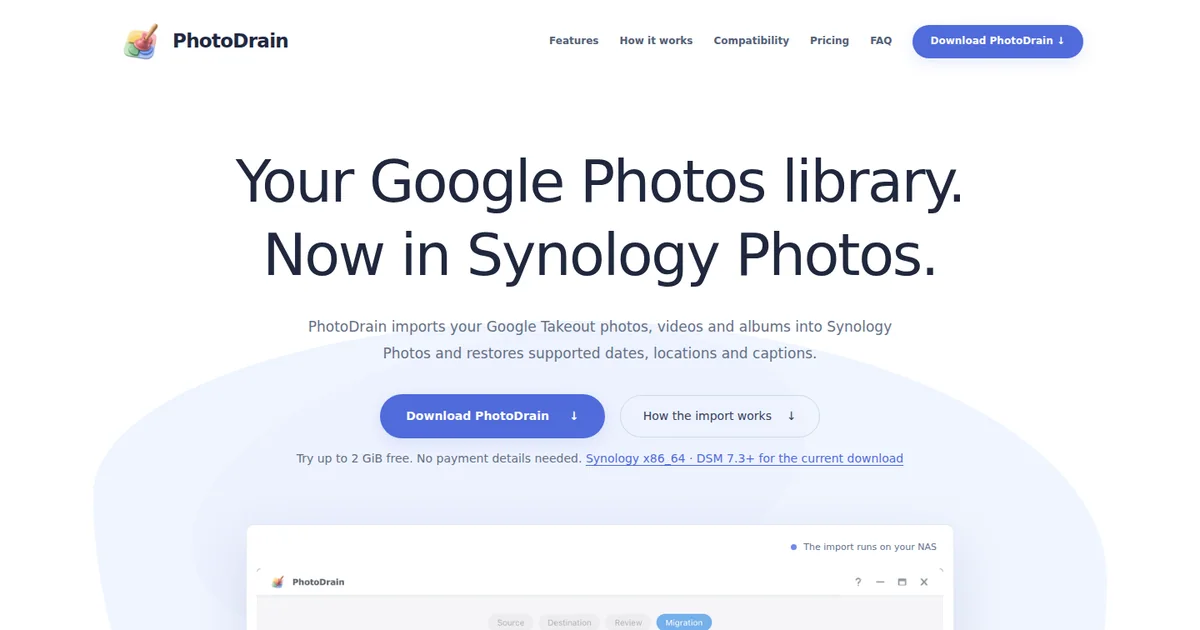
PhotoDrain is a Synology package for moving a Google Photos library onto your own NAS. It reads the Google Takeout export that you download yourself and imports the photos, videos and albums into Synology Photos. The import runs on the NAS, and your photos and videos are not uploaded to the publisher's servers.
Dates, locations and captions are written into your files where the format supports them. Albums are rebuilt in Synology Photos, and Takeout keywords are saved in formats that support them. Google favourites can be applied as well, once you turn that option on.
How it works
- Select Google Photos in Google Takeout and download the export, including the JSON metadata files.
- Copy the ZIP or TAR.GZ archives to your Synology home folder. No manual extraction is needed.
- Open PhotoDrain, choose the archive folder and the import options, review the plan, and start the import.
PhotoDrain can pause an import and resume it from its saved progress, including after a NAS restart. It can also roll back an import and remove the files it added unchanged.
Good to know
PhotoDrain needs an x86_64 Synology model with Synology Photos and DSM 7.3 or later. ARM models are not supported. Internet access is used for the free allowance and license checks, not to transfer your library. Keep the Takeout JSON files, because PhotoDrain uses them to match dates and captions to your photos.
Who it's for
Synology NAS owners who want to move their Google Photos library off the cloud
Typical uses
- Move a Google Photos library onto a NAS you control
- Keep dates and captions when you move exported photos to a NAS
- Pause a large import and continue after a NAS restart
Features
- Imports Google Takeout photos, videos and albums into Synology Photos
- Restores supported dates, locations and captions into the files
- Rebuilds Takeout albums in Synology Photos
- Pauses an import and resumes it from saved progress
- Rolls back an import and removes the files it added unchanged
- Skips exact duplicates while keeping distinct shots
Pricing
Freemium
Up to 2 GiB can be imported free, and no payment details are needed to try it. One license covers one active NAS shared by its DSM users.
Limitations
- Requires an x86_64 Synology model, so ARM models such as DS223 are not supported
- The current download needs DSM 7.3 or later
- One license covers one active NAS, shared by its DSM users
FAQ
Is PhotoDrain free?
Up to 2 GiB can be imported for free, and no payment details are needed to try it. A license covers one active NAS.
Does PhotoDrain download my library from Google?
No. You download the export from Google Takeout yourself and place the archives on your NAS. PhotoDrain does not access or change your Google Photos library.
Is PhotoDrain open source?
No. PhotoDrain is commercial software.
Does PhotoDrain run on Windows or macOS?
PhotoDrain runs on your Synology NAS. You open its interface through DSM in your browser.