

paisty
Mac menu-bar AI that drafts replies in the box you are typing in
At a glance
paisty is a menu-bar app for Mac that drafts replies in Mail, Slack, Messages, forms and docs. It reads the conversation in front of you and uses the AI account or API key you choose.
- 7 daysfree trial, no card
- $5/moafter the trial
- Drafts in the app you are already in, without a copy and paste step
- Uses the AI account you already pay for
- Your API key stays in a private file on your Mac
Works with Apple MailSlackMicrosoft TeamsObsidian
- Pricing
- Paid
- Platforms
- macOS
- Category
- AI Productivity Tools
- Website
- paisty.com
- Last checked
What it does
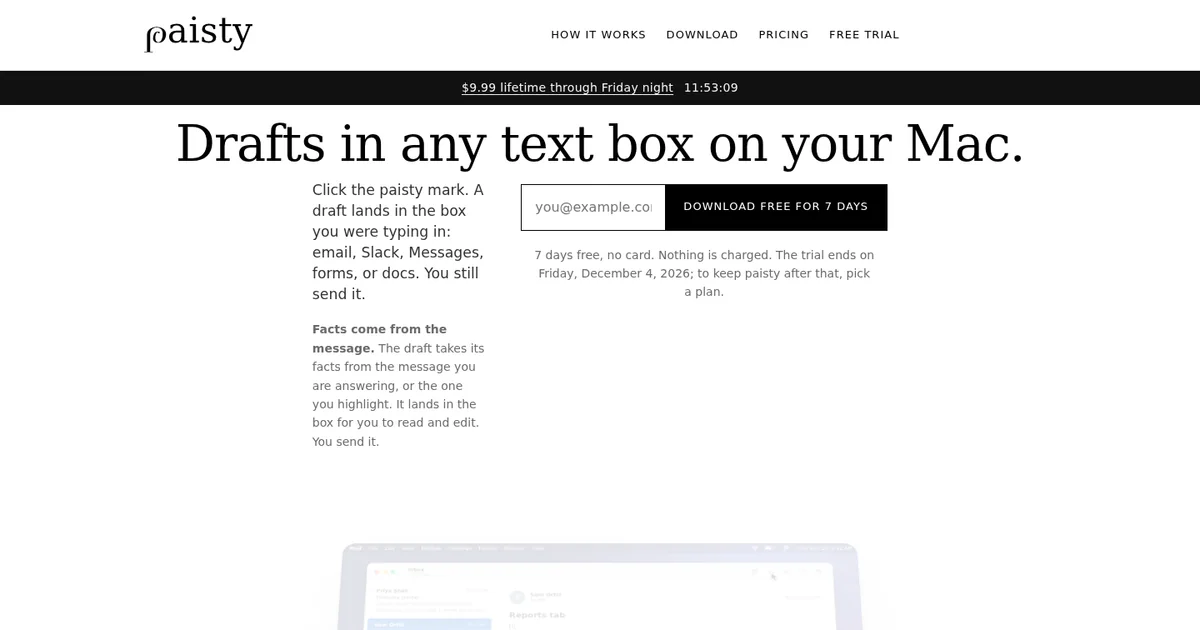
paisty writes a draft in the text box you are already using. Click its mark in the menu bar, and a reply to the email, chat message or form in front of you lands in the box you were typing in. You review the draft and send it yourself.
Most AI writing tools ask you to copy a thread into a chat window and paste the answer back. paisty stays where the conversation is, so the reply goes straight into Mail, Slack, Messages, Teams, Zoom, Apple Notes, Obsidian or a web form.
What it reads
A click reads the front window, such as an email or a chat thread. Text goes to your AI only when you click the mark or pick something from its menu. A draft never sends itself.
Your AI
In setup you sign in to Claude, Codex or Cursor on the Mac, or paste an API key for providers such as OpenAI, Anthropic, Google Gemini or Mistral. A local model in Ollama or LM Studio also works. A pasted key is saved in a private file on your Mac.
Tone
If you keep a voice file at ~/.config/paiste/voice.md, paisty uses it for tone on each draft.
Who it's for
Mac users who write many replies in email, chat and forms and already use an AI account
Typical uses
- Answer a long email thread without retyping the context
- Draft a reply in a Slack or Messages conversation
- Fill in a web form or ticket from the page in front of you
Features
- Drafts a reply in the focused text box of Mail, Slack, Messages, Teams or Zoom
- Reads the front window to find the conversation it answers
- Uses your own Claude, Codex, Cursor or API key account
- Works with a local model in Ollama or LM Studio
- Uses a voice file for tone
- Searches notes from folders you connect for matching context, on each click only
Pricing
Paid
7-day free trial with no card, then $5 a month or $50 a year. A lifetime license costs $99 once, and it never expires.
Limitations
- Runs only on Apple Silicon Macs
- Needs an AI account, an API key or a local model you already run
- Inserting text into other apps needs Accessibility permission, otherwise the draft goes to the clipboard
- One free trial per email address and per Mac
FAQ
Is paisty free?
There is a 7-day free trial with no card. After that, paisty costs $5 a month or $50 a year, or $99 once for a lifetime license.
Do I need my own AI account?
Yes. You sign in to Claude, Codex or Cursor, or paste an API key from a provider you choose. A local model in Ollama or LM Studio also works.
Does paisty read my whole inbox?
No. It reads the front window when you click, and it does not sign into your mail. It reads other notes or folders only if you connect them during setup.