

OpenNoteTaker
Private meeting notes, recorded in your own tab
At a glance
OpenNoteTaker is a Chrome and Edge extension that records and transcribes video calls in your browser, with no bot joining the meeting.
- 99transcription languages
- $5for 1,000 credits
- No bot joins the call, so no guest appears in the participant list
- Recording and transcription run in your browser
- Exports to Markdown, text, JSON, CSV and HTML
- Pricing
- Freemium
- Platforms
- Browser extension
- Category
- AI Productivity Tools
- Website
- opennotetaker.app
- Last checked
What it does
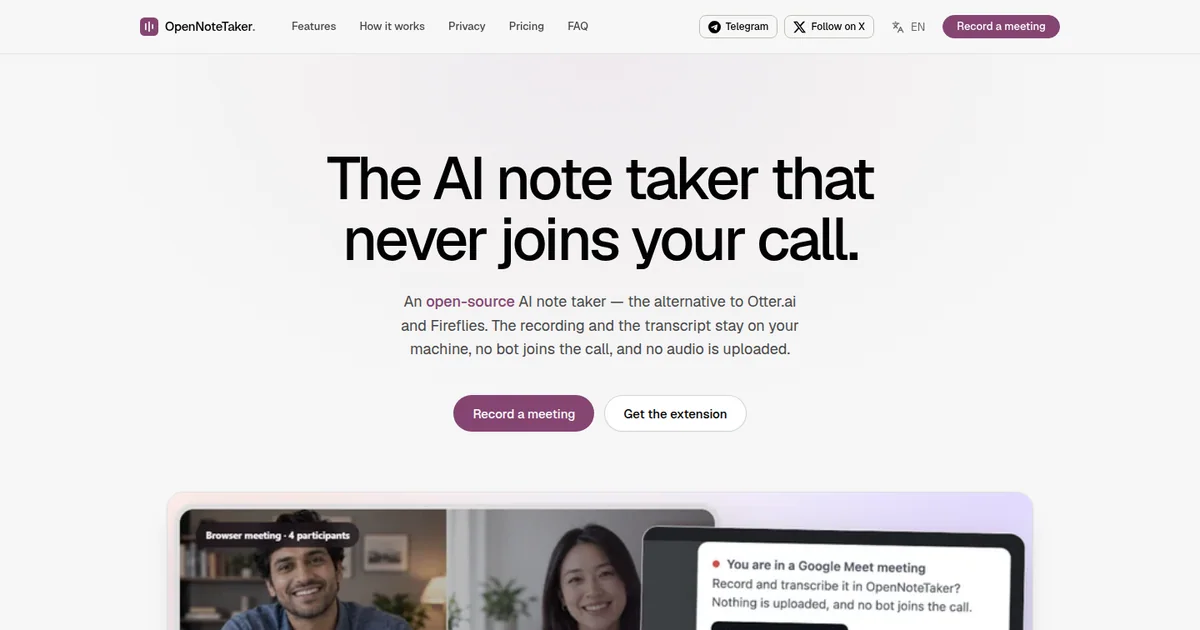
OpenNoteTaker is an AI note taker for video calls. Most note takers send a bot into the meeting, which shows up in the participant list and has to be admitted. OpenNoteTaker records the audio already playing in your browser tab, so nobody sees a guest and nobody has to let one in.
How it works
- Open the call in Chrome or Edge and start the recording from the extension.
- A consent screen gives you words to say to the other people before the recording starts.
- When the call ends, you get a transcript with speakers, topics, action items and decisions.
What stays on your machine
Recording, transcription in 99 languages, speaker labels and search across your meetings all run in your browser. The speech model is compiled to run in the tab, so the audio is never uploaded. Credits are only needed for AI-written minutes, questions across your whole library and translation of a finished transcript.
The extension notices when you join a Meet, Zoom, Teams or VooV call and offers to record it. Your recordings never leave the browser tab. The model weights are downloaded once from Hugging Face and cached after that. The consent screen cannot be skipped, because the product treats consent as something you get from the people on the call.
Who it's for
People who take notes on video calls and do not want a bot in the meeting
Typical uses
- Keeping notes on a Zoom, Meet or Teams call without a bot
- Finding a decision or action item from an earlier meeting
Features
- Records meeting audio from the browser tab, with no bot in the call
- Transcribes in 99 languages on your own machine
- Labels who said what in the conversation
- Lists topics, action items and decisions
- Searches across every recorded meeting
- Exports transcripts to Markdown, text, JSON, CSV and HTML
Pricing
Freemium
The core features are free, including recording and transcription. AI-written minutes and a few other AI tasks use credits at $5 for 1,000, and a failed job costs nothing.
Limitations
- Chrome and Edge only. Firefox and Safari have no build yet.
- Recording needs consent from the people in the call, and whether it is legal depends on where they are.
- AI-written minutes and other backend tasks use credits that do not expire.
FAQ
Does OpenNoteTaker join my meeting as a participant?
No. It records the audio already playing in your browser tab, so nothing appears in the participant list.
Is OpenNoteTaker free?
Yes for recording and transcription in the browser. AI-written minutes and a few other AI tasks use credits at $5 for 1,000.
Where does the audio go?
Nowhere. The speech model runs in your browser tab, and the recording is never sent off the machine.