

KrocPDF
Convert and merge documents in your browser, without an account
At a glance
KrocPDF is a free, browser-based tool that converts images to PDF and merges or compresses PDF files.
- FreeNo account needed
- OfflineWorks without internet
- Conversions run in the browser, so documents stay on the device
- Visual page reordering before the PDF is built
- Layout controls for page size, margins and orientation
Alternative to iLovePDF, Smallpdf
- Pricing
- Free
- Platforms
- Web
- Category
- Productivity Tools
- Website
- krocpdf.app
- Last checked
What it does
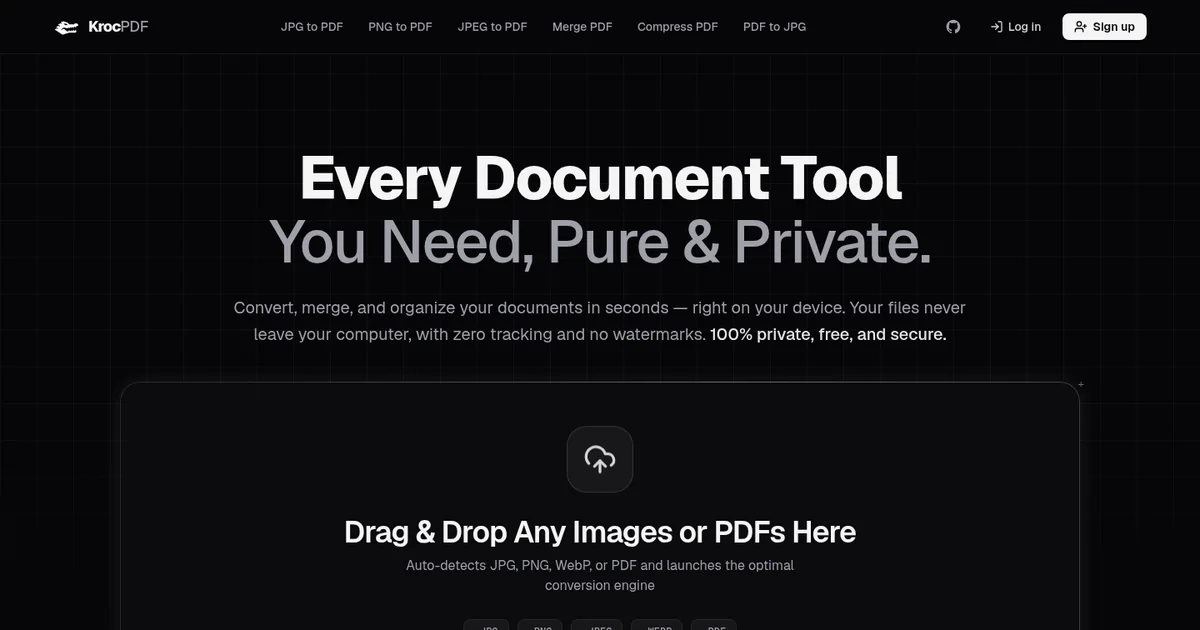
KrocPDF is a free document converter that runs in your browser. You can turn JPG, PNG, JPEG and WebP images into a PDF, merge several PDFs, compress a file or extract pages as JPG images. Most conversions happen on your device, so the files do not have to be uploaded to a cloud service. The tools also work without an internet connection.
KrocPDF adds no watermarks, needs no account and shows no ads. Layout controls set the page size, margins and orientation, and you can reorder pages in a preview grid before the PDF is built.
How it works
- Pick a tool, such as JPG to PDF or merge PDF, and drop your files onto the page.
- Set the page size, margins and orientation, then reorder the pages in the preview.
- Download the finished PDF to your device.
The usage guide starts with a local setup: clone the repository, start the local infrastructure, initialize and run the backend API, start the Go conversion worker and launch the frontend. The web interface converts files in the browser, and a REST API serves developers.
Good to know
- Heavy batch jobs can use a server engine instead of the browser, and those files leave your device.
- The tool set is fixed, so tasks such as editing the text of a PDF are not covered.
- The project is open source on GitHub, so you can read the code.
Who it's for
People who need to convert or merge scans and images to PDF privately
Typical uses
- Turn a stack of phone scans into one PDF for a form or application
- Merge invoices or receipts into one file without uploading them
- Shrink a large PDF before sending it by email
Features
- Converts JPG, PNG, JPEG and WebP images to PDF
- Merges several PDFs into one document
- Compresses PDFs and extracts pages as JPG images
- Converts in the browser, so files stay on the device
- Drag-and-drop page reordering before the PDF is built
- Page size, margin and orientation settings
- Works without an internet connection
Pricing
Free
Free to use, with no account, no watermarks and no ads.
Limitations
- Heavy batch jobs can use a server engine instead of the browser
- A fixed set of tools, such as JPG to PDF and merge PDF
FAQ
Is KrocPDF free?
Yes. The tools need no account and add no watermarks.
Do my files leave my computer?
Most conversions run in your browser, so files stay on the device. Heavy batch jobs can use a server engine instead.
Does it work offline?
Yes. Conversions work without an internet connection, for example on a flight.
Which formats can it convert?
JPG, PNG, JPEG and WebP images, and PDF files, depending on the tool you pick.