

Inuksuk
Fix a client's Windows PC from anywhere
At a glance
Inuksuk is remote-control software that lets IT technicians control a client's Windows PC over an encrypted connection.
- Freefor one PC
- 2.99 CADfor a 7-day license
- The client needs no account and runs a small portable program
- Direct connection on the same network, with the relay as fallback
- Reaches a PC at the lock screen, with multiple monitors
- Pricing
- Freemium
- Platforms
- Windows
- Category
- Customer Support Tools
- Website
- inuksuk.io
- Last checked
What it does
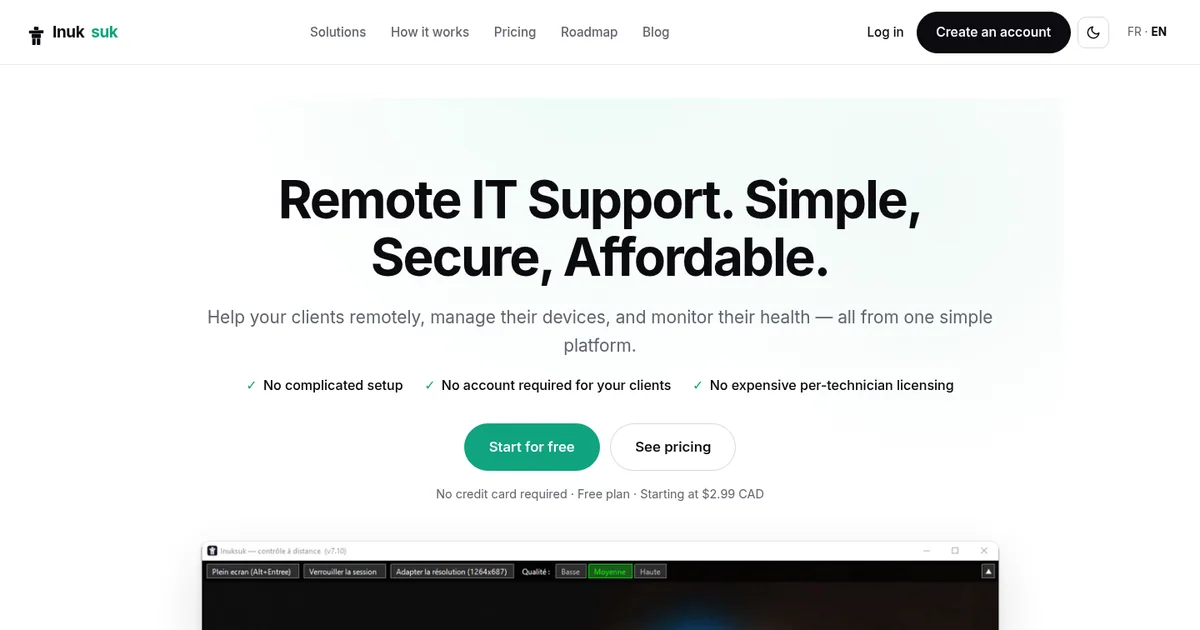
Inuksuk is remote-control software for IT technicians and small IT teams. A technician sees and controls a client's Windows PC, including the mouse, the keyboard and multiple monitors. The session also works at the lock screen.
The client needs no account. They run a small portable program that needs nothing installed, and the technician keeps the session under control from their own side.
How it works
- The technician starts a session from their Inuksuk account.
- The client runs the portable program on their Windows PC.
- The technician controls the screen, uses the shared clipboard and transfers files.
What makes it different
The session runs over an encrypted TLS connection with a pinned certificate, so the program trusts only the Inuksuk relay. When both computers are on the same local network, the connection can go directly between them. The relay forwards the session without recording it, and no image or keystroke is kept.
Good to know
- Prices are in Canadian dollars, and taxes are added on top.
- Only Windows is supported, on Windows 10 and 11.
- Subscriptions can be cancelled at any time, and access stays active until the end of the paid period.
Who it's for
Independent IT technicians and small IT service companies that support Windows PCs
Typical uses
- Fix a client's PC from a remote office without a site visit
- Restart a client's computer and reconnect after an update
- Check the inventory of several client PCs from one account
Features
- Controls a Windows PC with the mouse, keyboard and multiple monitors
- Works at the lock screen and after a reboot
- Uses a shared clipboard during a session
- Transfers files, directly or through the relay
- Keeps the session on the local network when both computers allow it
- Monitors hardware and software inventory on paid plans
Pricing
Freemium
Free for one PC with 20-minute sessions. Instant support costs 2.99 CAD for a 7-day license, Pro costs 9.99 CAD a month and Business costs 19.99 CAD a month.
Limitations
- Windows only, on Windows 10 and 11.
- The free plan covers one PC, with 20-minute sessions and five sessions a day.
- With instant support, the relay carries up to 25 MB per file and 50 MB per session.
FAQ
Is Inuksuk free to use?
Yes, for one PC. The free plan has 20-minute sessions, up to five a day, and needs no credit card. Paid plans start at 2.99 CAD for a 7-day license.
Does the client need to install anything?
The client runs a small program and creates no account. A service version also allows permanent access.
Which systems are supported?
Only Windows, on Windows 10 and 11, for now.