
Flipic Lens
Sort photos on a Mac with the arrow keys
At a glance
Flipic Lens is a Mac app for photographers who sort large shoots. You rate, mark and delete photos with the arrow keys, and the ratings show up in Lightroom.
- 0USD for core tools
- 12.99USD once for Pro
- Culling straight from the memory card
- Ratings that show up in Lightroom
- Core tools free, with no ads and no account
- Pricing
- Freemium
- Platforms
- macOS
- Category
- Design Tools
- Website
- flipic.app
- Last checked
What it does
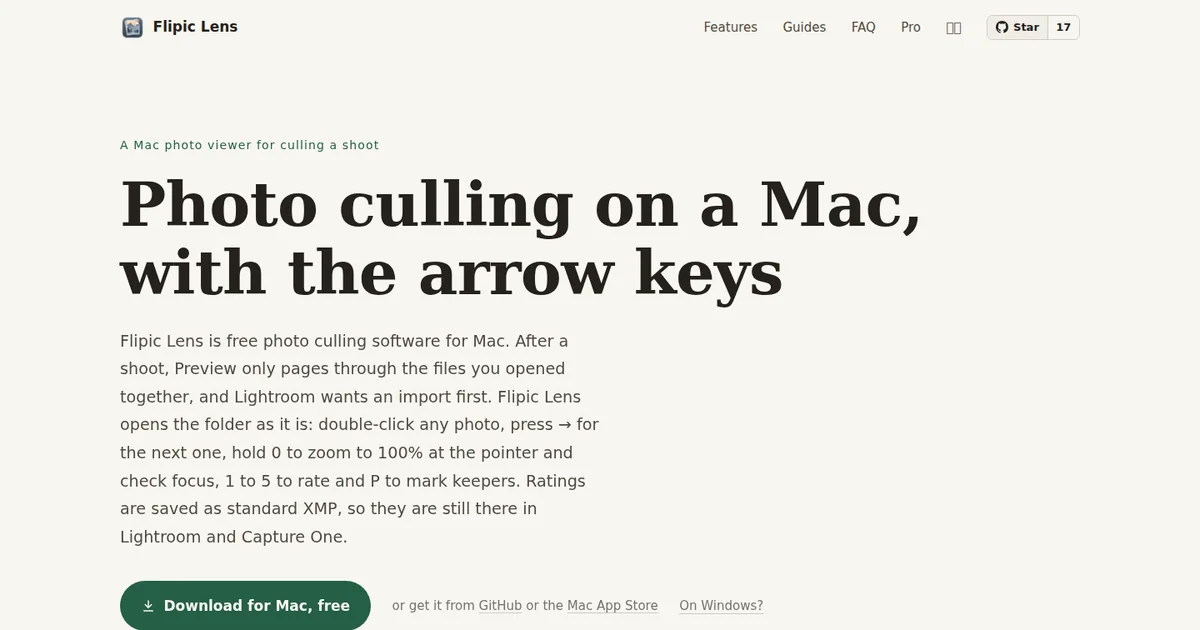
Flipic Lens helps photographers cull a shoot on a Mac. You page through the photos on your memory card with the arrow keys, rate and mark them, and delete the misses. You do not need to import the card first. The ratings and marks are written in a form that Lightroom reads.
Culling without importing
Flipic opens the card directly, so you can start sorting before a full import finishes. Hold 0 to check focus on a photo, and open the shooting details when you need them.
Finding the keepers
Bursts, closed eyes and blurry frames are found for you, so you can go straight to them. Captions and keywords that already sit in the file appear at the top of the info panel. Flipic Lens reads that data and does not change it.
Pro and the free core
Viewing, ratings, marks, filtering, export and Cleanup Mode are free, with no ads and no account. Pro adds batch tools for large sessions, such as before and after comparison, RAW and JPG pairs shown as one photo, folder sorting by rating and export presets. Pro costs 12.99 USD once, and every download includes a 7-day trial. The code is published under the MIT license on GitHub.
Good to know
Flipic Lens runs on the Mac only. The iPhone app Flipic: Photo Organizer on the App Store comes from a different developer.
Who it's for
Photographers who shoot many frames and edit in Lightroom
Typical uses
- Cull a large shoot on a Mac before editing it in Lightroom
- Check focus on a burst before you keep a frame
Features
- Arrow-key culling straight from the memory card
- Hold 0 to check focus on any photo
- Ratings and marks that Lightroom reads
- Bursts, closed eyes and blurry shots found for you
- Before and after comparison and folder sorting in Pro
- Watermarks for the copies you export
Pricing
Freemium
Viewing, ratings, marks, filtering, export, Cleanup Mode and two film looks are free with no account. Pro costs 12.99 USD once, with a 7-day trial in every download.
Limitations
- There is no Windows version, and none is promised.
- The app reads caption and keyword data in files but does not edit it.
- Batch tools, RAW and JPG pairing and export presets need Pro.
FAQ
Is Flipic Lens free?
Yes for the core tools. Viewing, ratings, marks, filtering, export and Cleanup Mode cost nothing and need no account. Pro is an optional one-time purchase of 12.99 USD.
Is Flipic Lens the same as Flipic on the App Store?
No. Flipic Lens was formerly named Flipic and PixDeck, and it is a Mac culling app. Flipic: Photo Organizer on the App Store is an iPhone app from a different developer.
Does Flipic Lens work on Windows?
Not yet. Flipic Lens only runs on Mac, and the developer has not promised a Windows version.