
ExamParser
Exam papers in, LMS quizzes out
At a glance
ExamParser converts Word, PDF and scanned exam papers into question banks for Canvas, Moodle, Blackboard and other learning platforms.
- 1,000+questions per file
- 10+export formats
- 189 USDone-time lifetime plan
- Keeps the correct answer in each question row
- Converts scanned papers with OCR as well as Word and PDF files
- Keeps images, tables and math formulas in the export
- Offers the same features on every plan
Works with CanvasMoodleBlackboardKahootQuizizzRespondus
- Pricing
- Paid
- Platforms
- Web
- Category
- Education & Learning Apps
- Website
- examparser.com
- Last checked
What it does
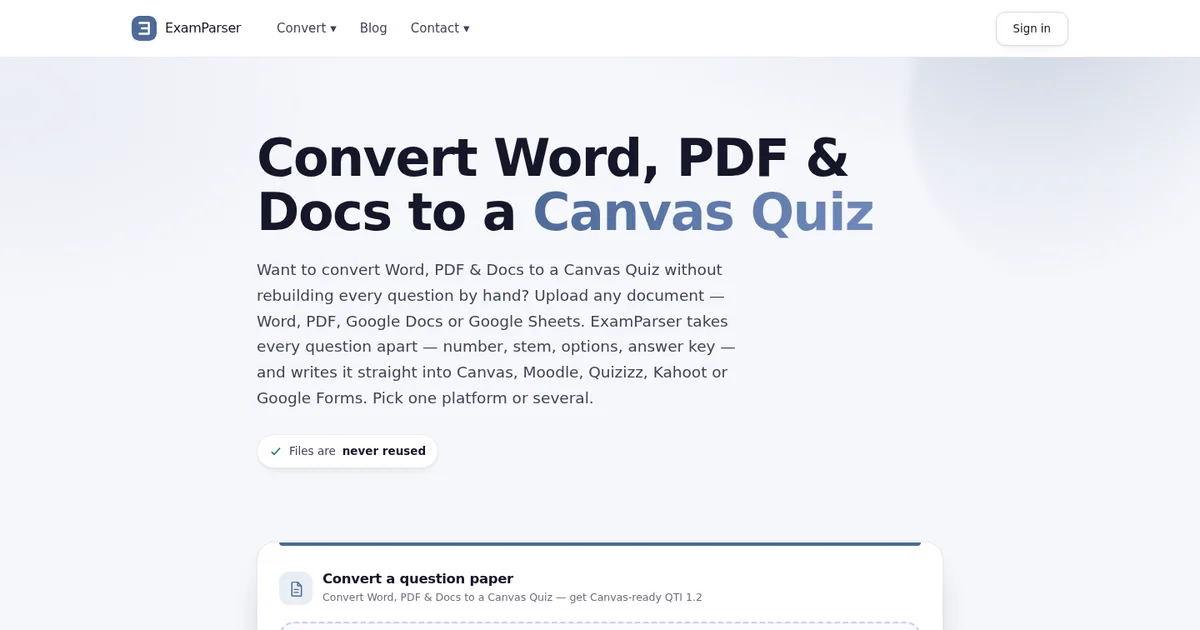
ExamParser is a quiz converter for teachers and course designers. It reads a Word, PDF or scanned exam paper and writes each question with its number, stem, options and answer into a file that a learning platform can import.
How it works
- Upload the paper and wait for the parsing to finish.
- Check the parsed grid, where each row holds one question. Edits made in the grid flow into every export.
- Choose a destination, such as Canvas or Moodle, and download the file.
For Canvas, the export is a QTI 1.2 zip file that you import under Import Course Content. Moodle receives GIFT text or QTI XML.
What carries over
Images, tables and math formulas are kept in the conversion, and the correct answer stays in the same row as its question. Scanned pages and photographs go through OCR first, so a printed past paper can become an editable question bank.
Good to know
ExamParser is subscription-only, with weekly, yearly or one-time lifetime plans, and every plan includes the same features. Previews are free. Export requires a Google sign-in, and batch export needs an active subscription. Each subscription sends a confirmation email with a cancel link.
Who it's for
Teachers and course designers who reuse exam papers in a learning platform
Typical uses
- Turn last year's Word exam paper into a Canvas question bank
- Import a past paper into Moodle as GIFT questions
- Build a Kahoot or Quizizz quiz from an existing exam document
Features
- Converts Word, PDF and Docs files into question lists
- Keeps the correct answer in the same row as each question
- Exports QTI 1.2 for Canvas and GIFT or QTI XML for Moodle
- Exports to Blackboard, Kahoot, Quizizz, Respondus and Excel
- Handles images, tables and math formulas
- Reads scanned papers and photographs with OCR
- Parses multiple choice, true or false, matching and essay questions
Pricing
Paid
Subscription only: weekly at 5.9 USD a week, yearly at 49.9 USD a year, or a one-time lifetime plan at 189 USD. Every plan includes the same features.
Limitations
- Subscription only, with no pay-per-file option
- Export requires a Google sign-in, and batch export needs an active subscription
- Each destination accepts only some question types, so the export depends on the platform
- Scanned pages need OCR before parsing, so printed papers take an extra step
FAQ
Do I need an account to convert a file?
Uploads and previews are free. Exporting requires a Google sign-in, and batch export needs an active subscription.
How do I convert a Word document into a Canvas quiz?
Upload the file and choose Canvas as the destination. In Canvas, go to Settings, choose Import Course Content, select the QTI .zip file type and import the exported zip.
Is the answer kept with each question?
Yes. The correct answer sits in the same row as its question, so every export receives each question with its answer attached.
How do I cancel my subscription?
Click the cancel link in the subscription confirmation email, or ask support by email with the address you signed up with.