
DevWorkspace Pro
Stop juggling tools across your dev projects
At a glance
DevWorkspace Pro is a desktop app that keeps your local development projects in one workspace, with terminal, Git and AI sessions.
- 9 USDa month, monthly plan
- 3 systemsmacOS, Windows, Linux
- One window for every project, from DDEV sites to plain folders
- Lifetime plan at 499 USD, paid once
- Alerts about vulnerable packages before they ship
- Pricing
- Paid
- Platforms
- macOS, Windows, Linux
- Category
- Developer Tools
- Website
- devworkspacepro.com
- Last checked
What it does
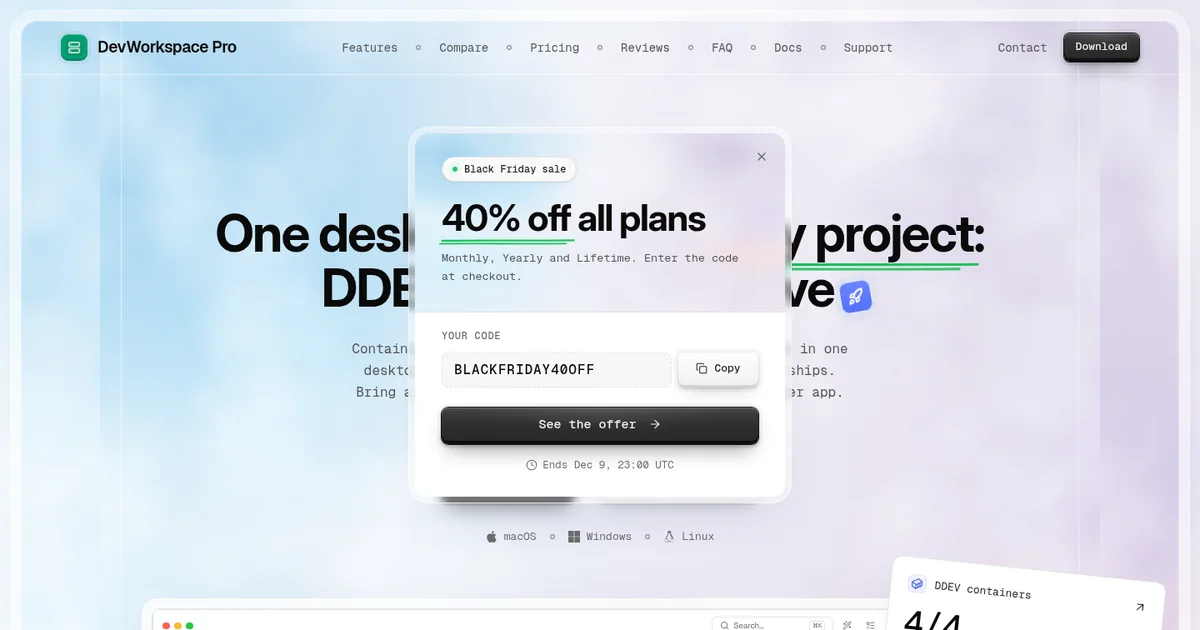
DevWorkspace Pro is a desktop app for developers who work on several projects at once. You import each project folder, and the app gives every folder a terminal, a file editor, Git changes, GitHub issues and actions, and a Focus Pad, all in one window.
The app fits many stacks. It works with DDEV sites, Docker and Sail projects, and plain folders for Node, Go, Python, Rust and Flutter, among others. For DDEV projects it also shows containers, databases, streamed logs, Xdebug and a PHP scratchpad.
Monitoring and AI sessions
Uptime monitors check your web apps, and dependency security warns you about vulnerable packages before they ship. Press ⌘J, type a task and start Claude Code, Codex or OpenCode in the project folder. Unfinished AI sessions resume after a restart with the same conversation, and the agents run on your machine with your own API keys.
Plans and data
The monthly plan lets you monitor up to 50 web apps on two devices. The yearly and lifetime plans allow up to 100 web apps. All data is stored locally on your machine, and GitHub access uses OAuth. The app runs on macOS, Windows and Linux, with a native build for each.
Who it's for
Web and app developers who run several projects on their own machine
Typical uses
- Work on a Laravel shop, its Next.js front end and a Go API in one window
- Send logs, GitHub issues and tasks to an AI agent with one click
- Monitor uptime for client websites from one desktop app
Features
- Imports any project folder and works on all of them in one window
- Runs a terminal, file editor and Git changes for each project
- Shows GitHub issues and Actions next to your code
- Starts Claude Code, Codex or OpenCode in a project folder
- Monitors uptime and checks dependencies for vulnerable packages
- Connects to remote servers over SSH and streams server logs
- Lists DDEV projects with their containers, databases and logs
Pricing
Paid
The monthly plan costs 9 USD a month, the yearly plan 95 USD a year, and the lifetime plan 499 USD, paid once.
Limitations
- AI agents run on your machine and need your own API keys.
- Device and monitoring limits depend on the plan, from 2 devices and 50 web apps on monthly.
- The app is for local projects and does not host them.
FAQ
Do I need DDEV installed?
No. DDEV is optional. Any project folder works with the terminal, file editor, Git, GitHub, AI sessions and Focus Pad.
Which operating systems are supported?
macOS, Windows and Linux. The app is a native build for each platform.
Is my data secure?
All data is stored locally on your machine. GitHub integration uses OAuth, and the company never stores your credentials on its servers.
What does the lifetime plan include?
It costs 499 USD once and includes up to 100 monitored web apps and 5 devices. Its features match the yearly plan.