

Clean Audio
Remove background noise from voice recordings
At a glance
Clean Audio is a free AI noise remover that cleans voice recordings, podcasts and videos in the browser, with no sign-up and no upload.
- Pricing
- Freemium
- Platforms
- Web
- Category
- AI Image & Video Tools
- Website
- clean-audio.app
- Last checked
What it does
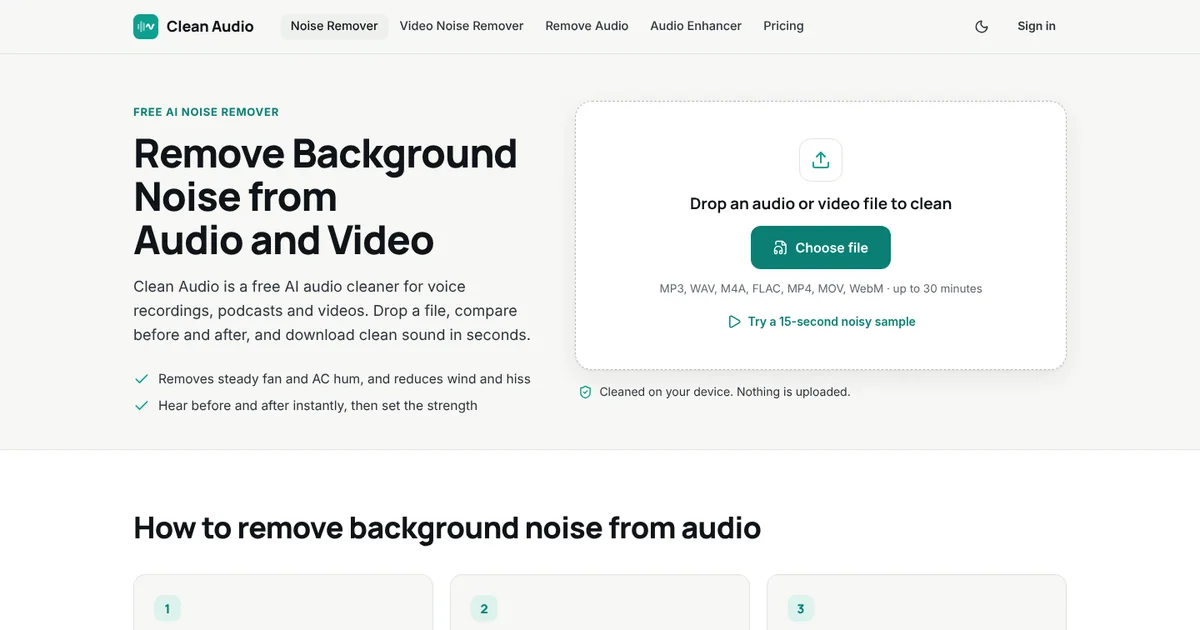
Clean Audio is a free AI noise remover that cleans voice recordings, podcasts and videos inside your browser. You drop in a file, compare the original with the cleaned version, and download the result.
Background hum from a fan, an air conditioner or wind can make a good voice recording hard to listen to. Clean Audio runs in the browser and works on files up to 30 minutes long.
How it works
- Add an audio or video file, up to 30 minutes long.
- Listen to the original and the cleaned version side by side.
- Set how much noise to remove, then download MP3, WAV or the cleaned MP4.
What makes it different
The model listens for speech and reduces the other sounds, which covers steady hum, wind and hiss. Cleaning happens on your device, so the file stays with you. You can switch between Original and Cleaned before you download, and the strength of the noise removal is adjustable, so you remove only as much as you need. Studio is an optional cloud mode for the noisiest files, billed per minute of audio.
Good to know
- Studio cloud mode for the noisiest recordings is listed as launching soon.
- Free accounts get 2 Studio minutes a day.
Who it's for
Podcasters, creators and anyone with a voice recording that has background noise
Typical uses
- Clean a podcast episode recorded with a laptop microphone
- Remove fan hum from a voice memo before you share it
- Tidy the sound of a screen recording with a spoken explanation
Features
- Removes steady hum such as fan and air conditioner noise
- Reduces wind and hiss in recordings
- Lets you compare the original and the cleaned audio
- Exports cleaned audio as MP3 or WAV and video as MP4
- Handles files up to 30 minutes long
Pricing
Freemium
Noise removal is free in the browser, with no watermark, for files up to 30 minutes. Studio cloud hours are listed from 4.99 USD for one hour, and the Studio plans are listed as launching soon.
Limitations
- Files must be 30 minutes or shorter on every plan
- Studio cloud processing for the noisiest recordings is listed as launching soon
FAQ
Is Clean Audio free?
Yes. Noise removal runs free in your browser, with no limit on the number of files.
Is my file uploaded?
No. Standard cleaning happens on your device, and nothing is uploaded.
Which file types can I use?
MP3, WAV, M4A, FLAC, MP4, MOV and WebM are accepted.