

Check Panic Full
Pinpoint the failing iPhone part from a log
At a glance
Check Panic Full is a web tool that reads an iPhone panic-full log and names the likely faulty part, aimed at repair technicians.
- Freelog analysis
- 4.90 EURfull report, from
- Nothing is charged when no documented part is found
- Each sensor-to-part mapping cites its source
- Accounts for model differences in the same sensor code
- Uses several logs from one iPhone to show a trend
Works with 3uToolsXcode
- Pricing
- Freemium
- Platforms
- Web
- Category
- Productivity Tools
- Website
- checkpanicfull.com
- Last checked
What it does
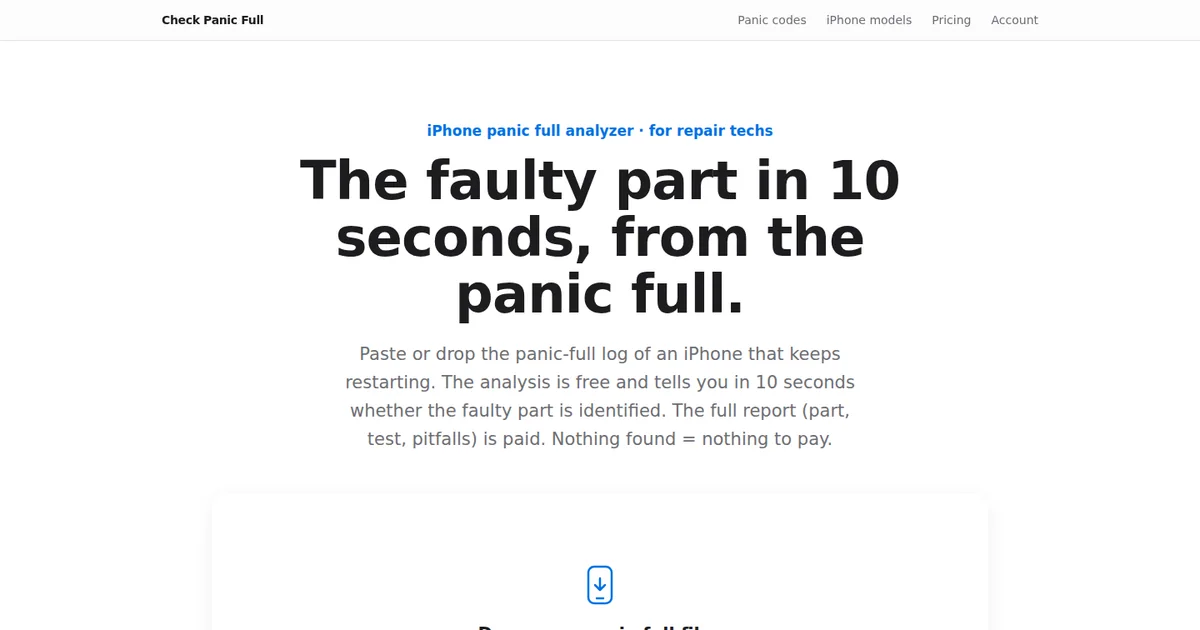
Check Panic Full is a web tool that reads an iPhone panic-full log and points to the part most likely behind repeated restarts. It is built for repair technicians who want a clear starting point before they open a device.
Several logs from the same iPhone give a more reliable result, because a repeated signature carries more weight than a single panic. A single panic can also come from an iOS bug, an app or a jailbreak.
How it works
- Find the newest file that starts with panic-full under Analytics Data on the iPhone, or export the files from a computer with 3uTools or Xcode.
- Upload one or more .ips files from the same iPhone, or paste the log content.
- Read the report, which shows the sensor array code, missing sensors and watchdog panics in a 3D view.
Models and codes
The same sensor code can point to different parts on different iPhone models. The sensor array value is a bitmask whose layout changes between generations. For example, 0x200000 is the proximity sensor on an iPhone 14 and the wireless coil on an iPhone 15, so the code is always read together with the model.
Good to know
The tool does not replace testing. Confirm a diagnosis with a known-good part before you order a replacement. The panic-full file itself is only a report and does not damage the iPhone, but the repeated restarts it records can interrupt updates or data transfers, so back up the device as soon as you can.
Who it's for
Phone repair technicians and shops diagnosing repeated iPhone restarts
Typical uses
- Narrow down a repeated iPhone restart before opening the device
- Check whether a restart pattern points to hardware or software
- Compare several logs from one customer device
Features
- Reads iPhone panic-full .ips files
- Accepts pasted log content as well as uploaded files
- Shows missing sensors and watchdog panics in the report
- Displays the likely faulty part in a 3D view of the iPhone
- Compares several logs from one iPhone for a repeated pattern
Pricing
Freemium
Analysis is free. The full report starts at 4.90 EUR, and nothing is charged when no documented part is found.
Limitations
- Works only with iPhone panic-full .ips files
- A full report appears only when a documented part is identified, so some logs get no result
- Submitted logs are stored to improve the diagnoses
FAQ
Is Check Panic Full free?
Yes, the analysis is free. The full report starts at 4.90 EUR, and nothing is charged when no documented part is found.
Does a panic-full log always mean a hardware problem?
No. A single panic can come from an iOS bug, an app or a jailbreak. A signature that repeats across several logs is a stronger hardware clue.
Can I delete panic-full files from an iPhone?
Deleting them does not fix the cause. If the problem is still there, iOS writes a new panic-full file at the next panic.
Are uploaded logs stored?
Yes, submitted logs are stored to improve the diagnoses. Read the privacy policy before you upload logs from customer devices.