

BlankOut K12
Blocks the game sites school filters miss
At a glance
BlankOut K12 is a Chrome extension that schools install through Google Admin to block games and workarounds that network filters miss.
- 0.25 USDper device per year
- Works beside an existing filter instead of replacing it
- Priced at 0.25 USD per device per year
- Deploys from one Google Admin policy
Works with Google Admin
- Pricing
- Paid
- Platforms
- Browser extension
- Category
- Security & Privacy Tools
- Website
- blankoutk12.com
- Last checked
What it does
BlankOut K12 is a Chrome extension for school IT teams. It adds a second layer beside an existing content filter and blocks game mirrors, about:blank tricks and the sites students share between class periods.
It works beside filters such as Linewize, GoGuardian, Securly and Lightspeed and does not replace them. Enforcement needs a managed install, so a student who adds the extension personally gets no protection from it.
How it works
- IT force-installs the extension in Google Admin.
- A managed policy sets the allowed and blocked sites.
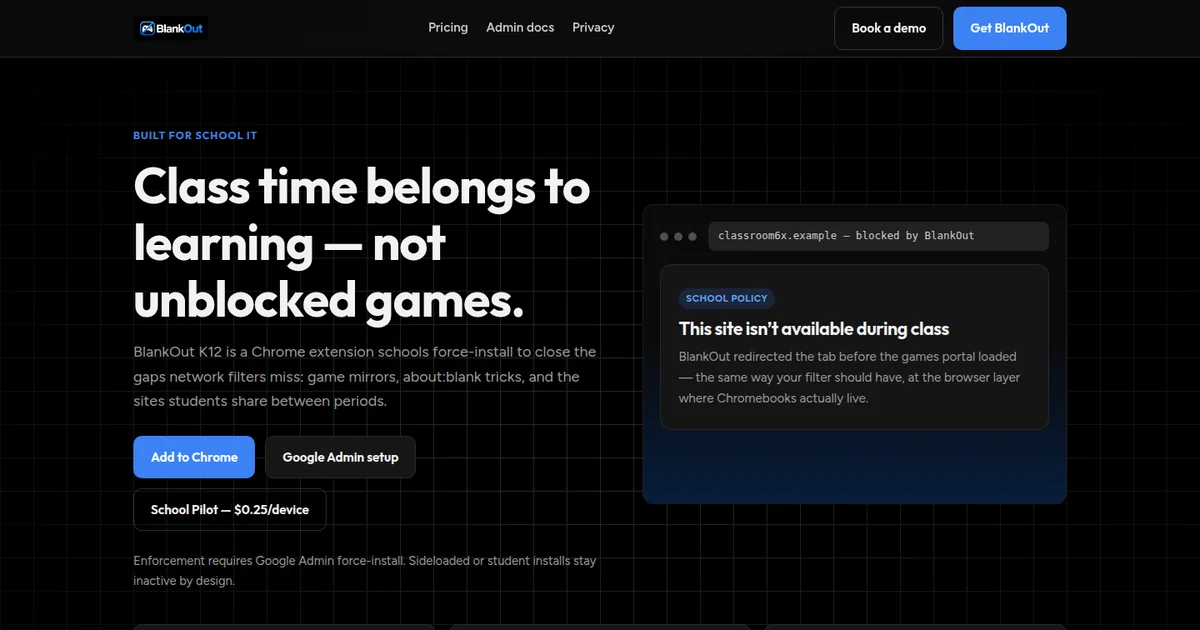
- A student who opens a blocked site sees a branded notice page with a school message.
What makes it different
The whole rollout is one Google Admin policy. Updates to the block list reach every device in the fleet, and the blocked page can carry the district's own message instead of a generic error.
Good to know
- BlankOut K12 is a Chrome extension, so it covers Chrome on managed devices only.
- The price is per device per year, and a fleet of at least two devices is needed.
- The School Pilot offers faster updates and custom blocked pages.
- You can verify the block list on a test cart before a full rollout.
Who it's for
School and district IT teams that manage Chromebooks with Google Admin
Typical uses
- Block game sites that students share between class periods
- Roll out one policy across every Chromebook in a district
- Add a school message to every blocked page
Features
- Blocks game destinations, including game mirrors
- Catches common classroom workarounds such as about:blank tricks
- Installs by force through Google Admin
- Sets allowed and blocked sites with policy keys
- Shows a custom-branded block page
Pricing
Paid
0.25 USD per device per year, billed once a year. The minimum order is two devices, and larger fleets set the device count at checkout.
Limitations
- Enforcement requires a Google Admin force-install
- A student who installs the extension personally stays unprotected
- It is a Chrome extension, so other browsers are not covered
FAQ
Is BlankOut K12 priced per student or per device?
Per device. A Chromebook counts as one device, so 1,000 devices cost 250 USD a year.
How is BlankOut K12 deployed?
IT force-installs it in Google Admin and attaches a managed policy. Installs that students make themselves stay inactive.
Does it replace our content filter?
No. It runs beside the filter you already use, such as Linewize, GoGuardian, Securly or Lightspeed.
Can the blocked page show a school message?
Yes. Blocked traffic can point to a branded HTTPS notice page with a school message.