

Blackout
Keep only the external monitor on
At a glance
Blackout is a macOS menu bar app that turns off the built-in MacBook display while you use an external monitor.
- 17Interface languages
- MacOS 15+Sequoia or later
- Touch ID keeps working while the built-in display is off
- Turns the built-in display back on after a restart, crash or cable unplug
- Runs as a small menu bar icon without a Dock icon
- Pricing
- Paid
- Platforms
- macOS
- Category
- Productivity Tools
- Website
- blackoutapp.io
- Last checked
What it does
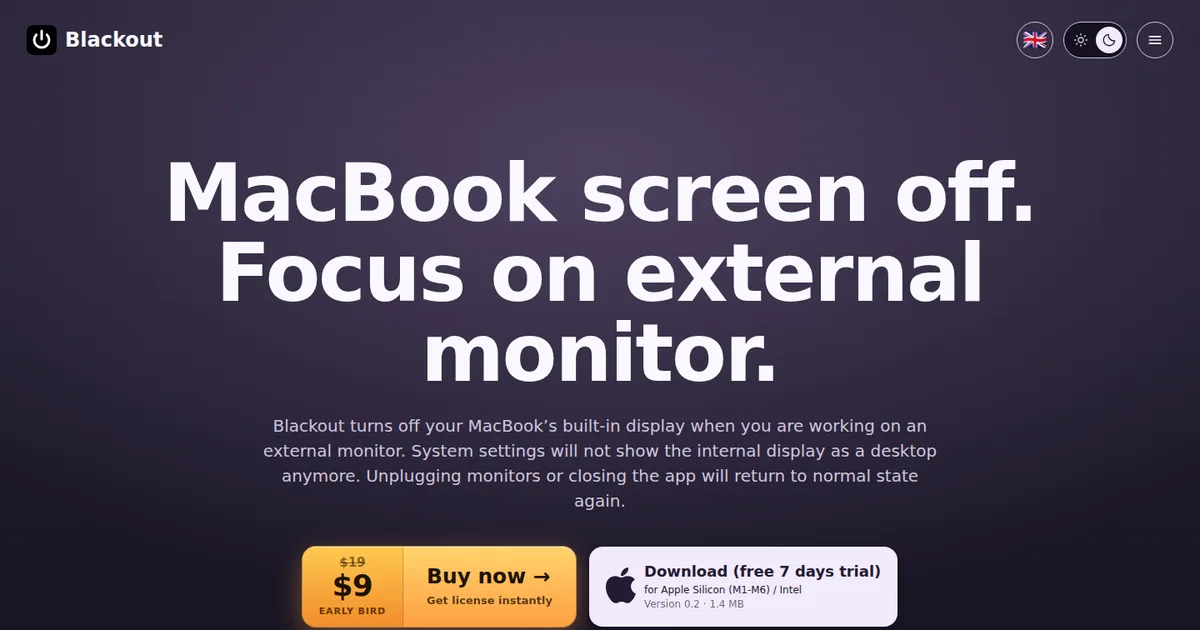
Blackout is a macOS utility that turns off the built-in display of a MacBook while you work on an external monitor. The laptop screen stays dark, but the Mac keeps running, so you can still use its keyboard and trackpad.
The switch is software-based, so nothing changes in the hardware. MacOS stops showing the internal screen as a desktop, and unplugging the external monitor brings it back. Even if the internal display stays off, a macOS restart brings it back online, so the normal setup is never lost for good.
How it works
- Download the app from the website and start it. It sits in the menu bar.
- Connect an external monitor and turn off the built-in display from the menu.
- Use the individual switches to turn any display on or off again.
What makes it different
Blackout keeps Touch ID working while the built-in display is off, so you can still log in or authenticate. If the app crashes, the Mac restarts, or a monitor cable is unplugged, the built-in display turns back on at 80% brightness.
Good to know
- Blackout needs macOS Sequoia or later.
- Some Intel and base M3 MacBook models may not switch the built-in display off because of a hardware issue.
- The app is not sold through the Mac App Store.
Who it's for
Mac users who work at a desk with one or more external monitors
Typical uses
- Use an external monitor while the MacBook screen stays dark
- Keep working on the laptop keyboard and trackpad with its screen off
Features
- Turns off the built-in MacBook display while an external monitor is in use
- Individual switches for each connected display
- Turns the built-in display back on after a restart, crash or cable unplug
- Runs from the menu bar without a Dock icon
- Touch ID keeps working with the built-in display off
- Interface in 17 languages, following the Mac's system language
Pricing
Paid
One-time license with no subscription, unlimited activations on your Macs and a free 7-day trial. 9 USD as the current price. It does not say when the early-bird price ends.
Limitations
- Requires macOS Sequoia or later
- Not sold through the Mac App Store, because Apple does not allow this kind of software there
- Some Intel and base M3 MacBook models may not switch the built-in display off
FAQ
Does Blackout cost money?
It is a one-time license of 9 USD with no subscription. A 7-day free trial can be downloaded first.
Does Blackout work on Intel Macs?
A download is offered for Intel Macs. On Intel Macs the built-in display stays listed in System Settings, which is a macOS limit.
Can I get Blackout from the Mac App Store?
No. The app is downloaded from the developer's website instead.
Which languages does Blackout support?
The app is available in 17 languages and follows the language of your Mac.