

BabaPic
One drop, every size and format you need
At a glance
BabaPic is a native Mac app that compresses, converts and resizes images in batches, entirely on your computer.
- 30/dayimages in free version
- 19 USDPro, paid once
- 3Macs per license
- Built natively for Apple Silicon, not as a wrapped web app
- Images stay on the Mac, with no upload and no account
- One-time purchase with free updates and no subscription
- Presets run several output sizes and formats in one pass
- Pricing
- Freemium
- Platforms
- macOS
- Category
- Design Tools
- Website
- babapic.cc
- Last checked
What it does
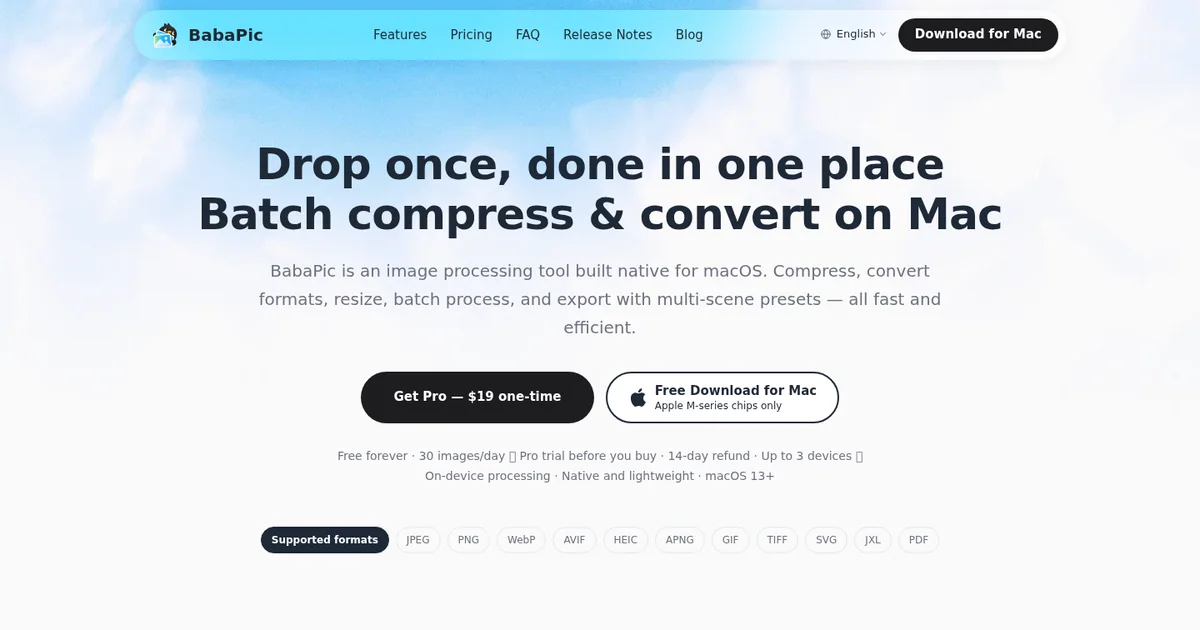
BabaPic is a Mac app for compressing and converting images in batches. Drop a stack of photos or screenshots into the window, and it compresses, converts, resizes and renames them in one run. Everything is processed on the Mac itself, so nothing is uploaded and no account is needed.
Copied images can join the queue automatically when clipboard compression is on. A quick window opens when you drag images close to the menu bar icon, and it stays open while you keep dropping files.
How it works
- Drop one image or a whole batch into the main window, or drag files near the menu bar icon.
- Choose the output format, size and naming, such as JPEG, WebP or AVIF, and save the setup as a preset.
- Let the queue run. You can pause and resume it, and each file shows how much it saved.
One source image can also produce several versions in a single run, for example a web size and a social media size, each with its own format.
What makes it different
BabaPic is built natively for Apple Silicon and is not a wrapped web app, so it stays small and starts quickly. It reads 11 formats, including HEIC, SVG and PDF, and exports six modern ones, such as WebP and AVIF.
Good to know
The free version processes 30 images a day. Pro is a one-time purchase that removes the daily limit and adds folder watching and multiple output groups.
Who it's for
Mac users who process many images for websites and online shops
Typical uses
- Shrink a folder of product photos before uploading it to a shop
- Turn an iPhone HEIC photo into a JPEG that opens anywhere
- Prepare web and social media versions from one source image
Features
- Compresses, converts and resizes images in batches
- Exports JPEG, PNG, WebP, AVIF, HEIC and JPEG XL
- Reads 11 formats, including HEIC, SVG and PDF
- Saves output settings as reusable presets
- Copies compressed results back to the clipboard
- Watches a folder and processes new images with a preset (Pro)
Pricing
Freemium
The free version processes 30 images a day. Pro is a one-time purchase at 19 USD with free updates, and one license covers up to three Macs.
Limitations
- Runs only on Macs with Apple silicon, so Intel Macs are not supported
- The free version is limited to 30 images a day
- Folder watching and multiple output groups need the Pro license
FAQ
Is BabaPic free?
There is a free version that processes 30 images a day. Pro is a one-time purchase at 19 USD with free updates.
Does BabaPic upload my images?
No. Compression, conversion and export run on your Mac, and the app works offline without an account.
Which image formats does BabaPic support?
It reads JPEG, PNG, WebP, AVIF, HEIC, APNG, GIF, TIFF, SVG, JPEG XL and PDF. It exports JPEG, PNG, WebP, AVIF, HEIC and JPEG XL, or keeps the original format.
How many Macs can use one Pro license?
One Pro license can be activated on up to three devices.