

AnyRedact
Remove sensitive details from files, with AI that finds them
At a glance
AnyRedact finds sensitive details in PDFs, images, Office files, text and audio, then removes them from the exported copy.
- 10free credits a day
- 3credits per audio minute
- Removes text, pixels and audio for good, not just hides them
- Strips metadata along with the visible content
- Keeps your file in the browser until you confirm the upload
- Pricing
- Freemium
- Platforms
- Web
- Category
- Security & Privacy Tools
- Website
- anyredact.app
- Last checked
What it does
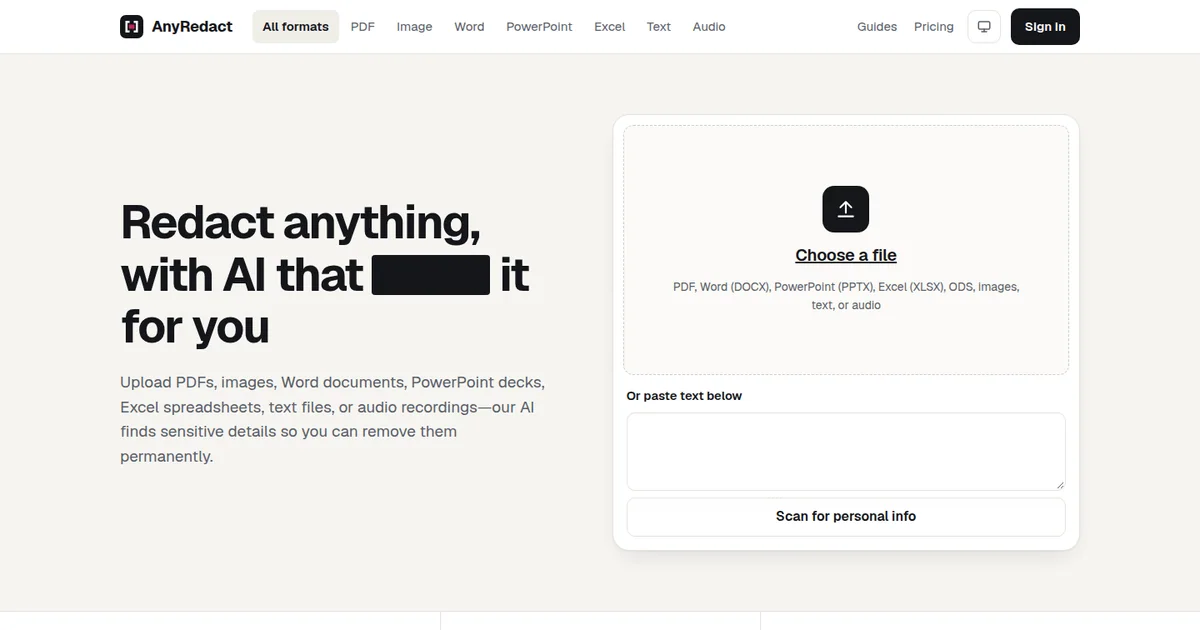
AnyRedact is a browser-based redaction tool that finds sensitive details in a file with AI and removes them. You can upload a PDF, an image, a Word document, a PowerPoint deck, an Excel sheet, a text file or an audio recording. The AI lists the items it finds, and you decide what to remove.
The removal is permanent. Redacted text, pixels and audio are taken out of the exported file, so nothing sits behind a shape that someone could move away. Metadata is stripped as well.
How it works
- Open a file by choosing it, dropping it on the page or pasting a screenshot.
- Review the detected matches. Uncheck anything that should stay visible, highlight more text, draw boxes over areas the AI missed, or add custom terms to remove everywhere in the file.
- Export the clean copy with solid black bars or labels such as [NAME]. An optional final AI check scans the output before you download it.
Privacy
Nothing leaves your browser until you click Upload to confirm. Your files are never stored or used to train a model. Only the extracted text, along with page images or audio chunks when needed, is processed to find the sensitive details.
Good to know
- Every browser gets 10 free credits a day with no watermark. One credit covers about one page of text or one image, and audio costs about 3 credits per minute.
- An account is needed only to buy a monthly plan or extra credit packs.
Who it's for
Anyone who shares documents, screenshots or recordings that contain personal data
Typical uses
- Remove personal data from a contract before you share it
- Clean screenshots, support tickets and logs before you post them
- Redact a call recording or interview before you share the audio
Features
- Detects sensitive details in a file with AI
- Works with PDF, image, Word, PowerPoint, Excel, text and audio files
- Lets you uncheck matches and add your own boxes or highlights
- Removes custom terms everywhere in a file
- Exports with black bars or labels such as [NAME]
- Runs an optional final AI check on the exported output
Pricing
Freemium
Every browser gets 10 free credits a day with no sign-up. Monthly plans and credit packs that do not expire are available for more.
Limitations
- Credits cover about one page of text or one image, so large files use more of them
- AI detection can miss items, so review every match before you export
FAQ
Is AnyRedact free to use?
Yes. Every browser gets 10 free credits a day, with no watermarks and no sign-up required.
Do you store or train on my files?
No. Nothing leaves your browser until you confirm the upload, and your files never train a model.
Is the redaction permanent?
Yes. Redacted text, pixels and audio are removed from the exported file, not hidden behind a shape.
Do I need an account?
No. An account is needed only to buy a monthly plan or extra credits.